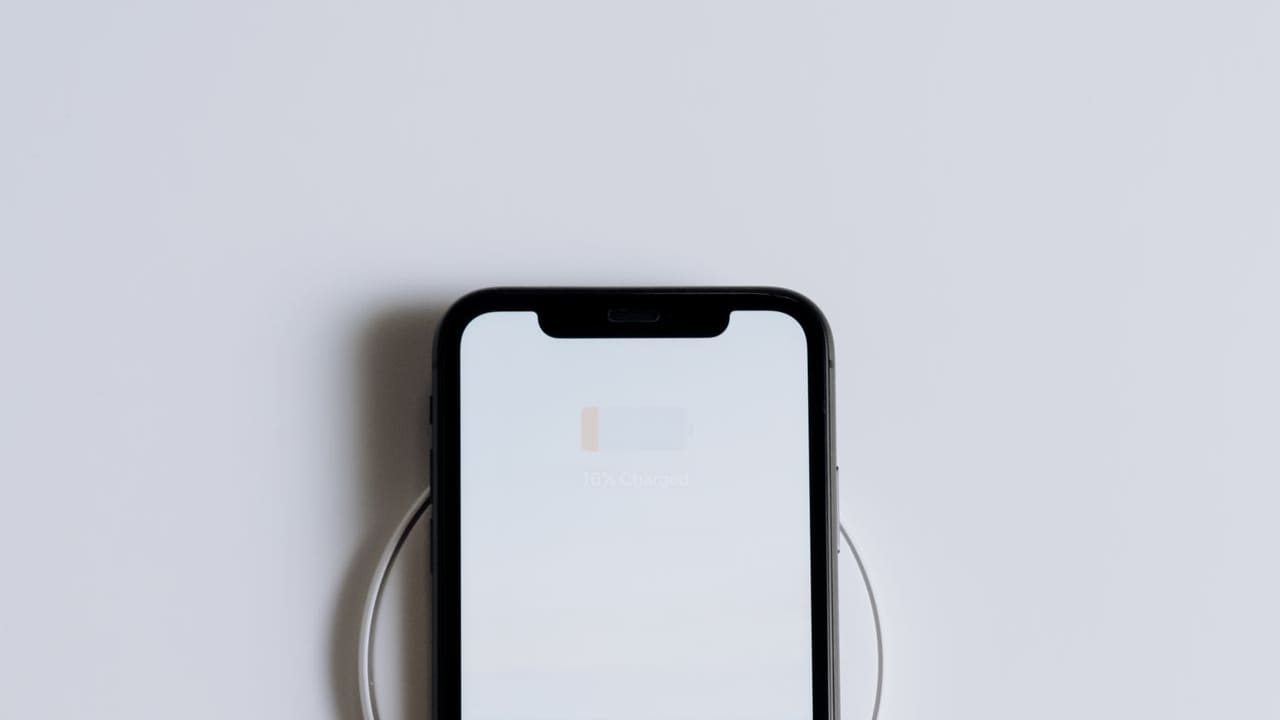
Wireless Charging Tips: What Works and What Doesn't
Tools You'll Need
Qi charger
1. Check your phone supports it (Qi or MagSafe). Most budget phones don't.
2. Place the phone in the centre of the pad. If it's off-centre it won't charge, or charges slowly and gets hot.
3. Remove thick cases, metal plates, ring holders and cards. Bank cards can be damaged.
4. Use the adapter that came with the charging pad. A weak phone charger makes it very slow.
5. Wireless charging is slower and warmer than a cable. Phones may pause at 80% to protect the battery.
6. Samsung and some others can charge earbuds on their back: Wireless PowerShare in quick settings.
Phone very hot on the pad? Take it off and use a cable.