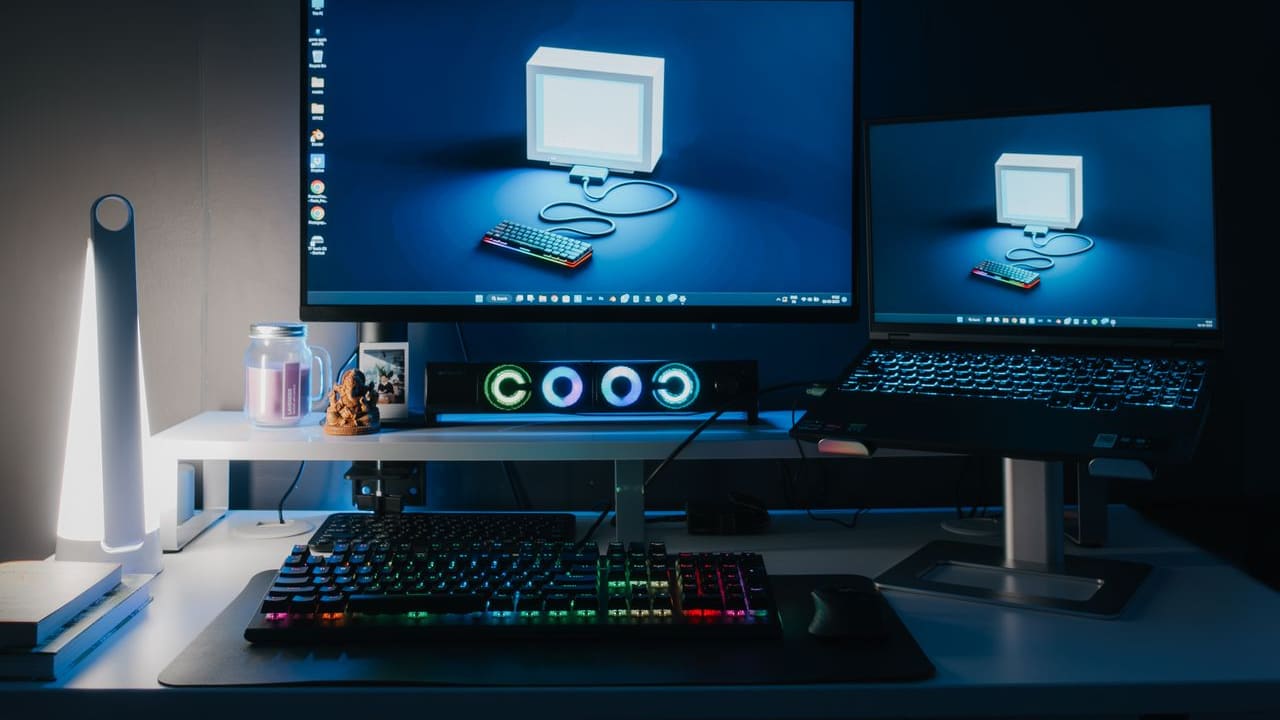
Virtual desktops give you separate screens for different tasks, for example one for work and one for personal use.
1. Press Windows key and Tab, then New desktop.
2. Windows key, Ctrl and D: create a new desktop.
3. Windows key, Ctrl and Left or Right arrow: switch between desktops.
4. Windows key, Ctrl and F4: close the current desktop (its windows move to the next one).
5. Drag a window from one desktop to another in the Windows key and Tab view.
6. Windows 11 lets you give each desktop its own name and wallpaper.