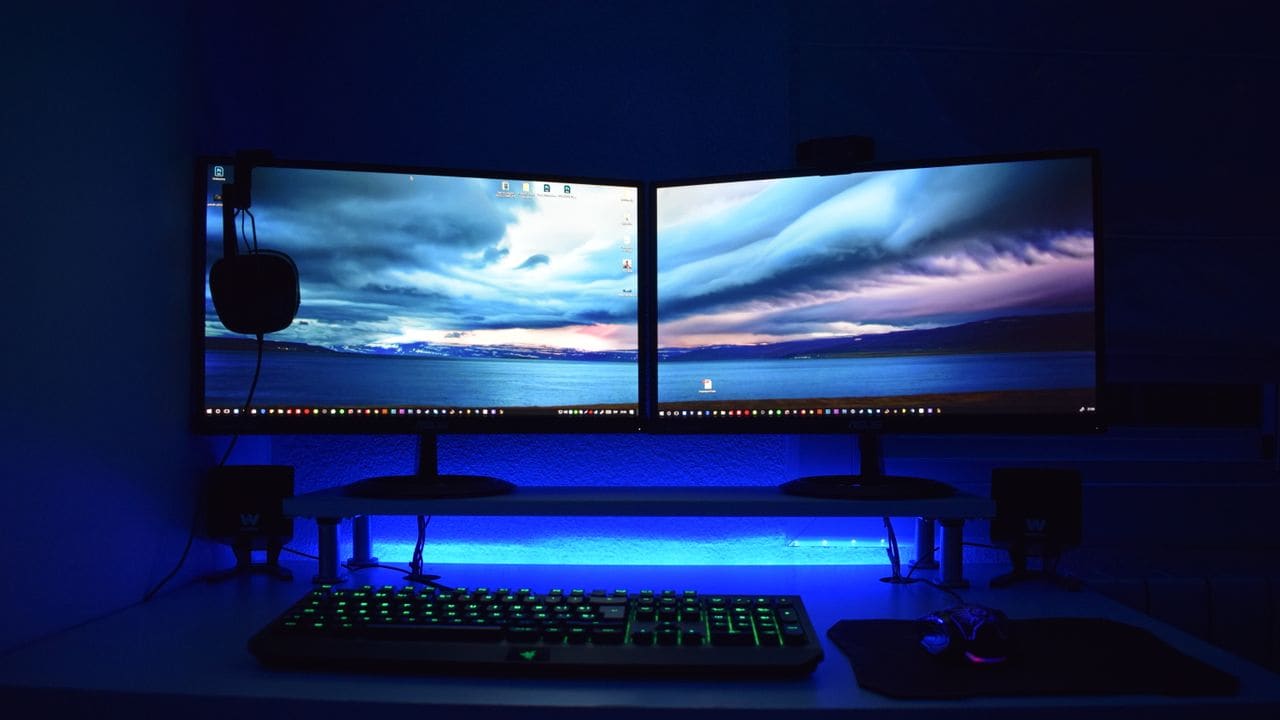
1. Connect the cable (HDMI, DisplayPort or USB-C) and turn the screen on. Choose the right input on the TV or monitor.
2. Press Windows key and P and choose: Duplicate (same picture on both, good for presentations), Extend (more space), or Second screen only.
3. Settings, then System, then Display: click Identify, drag the screens to match where they sit on your desk, and choose your main display.
4. Set the resolution and scale for each screen separately.
5. No picture? Try another cable or port, update the graphics driver, and click "Detect" in Display settings.
6. No sound on the TV? Choose the TV as the sound output (see our no sound tip).