1. Turn off startup apps
Press Ctrl + Shift + Esc to open Task Manager, open "Startup apps", and disable anything you don't need at startup.
2. Check what's using the PC
In Task Manager's Processes tab, sort by CPU, Memory and Disk. If Disk stays near 100 percent on an old hard drive, the drive is the bottleneck.
3. Scan for viruses
Open Windows Security, then Virus and threat protection, then Scan options, then Full scan.
4. Free up space (see our disk space tip). Keep at least 15 to 20 percent of the C: drive free.
5. Uninstall what you don't use
Settings, then Apps, then Installed apps. Remove toolbars, "PC cleaners" and trial antivirus programs.
6. Update Windows and drivers
Settings, then Windows Update, then Check for updates.
7. The biggest upgrade
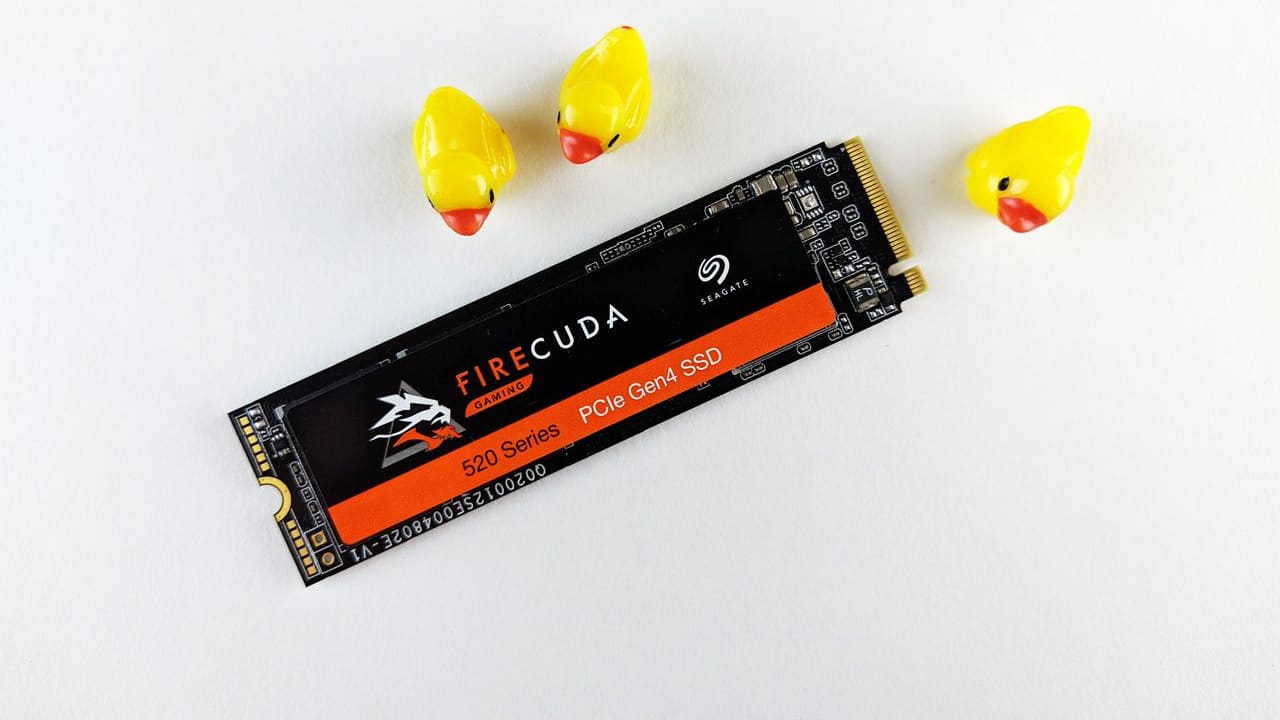
Replacing an old hard drive with an SSD makes most PCs start in seconds instead of minutes. Upgrading from 4 GB to 8 GB of RAM also helps a lot. Ask us for a quote.