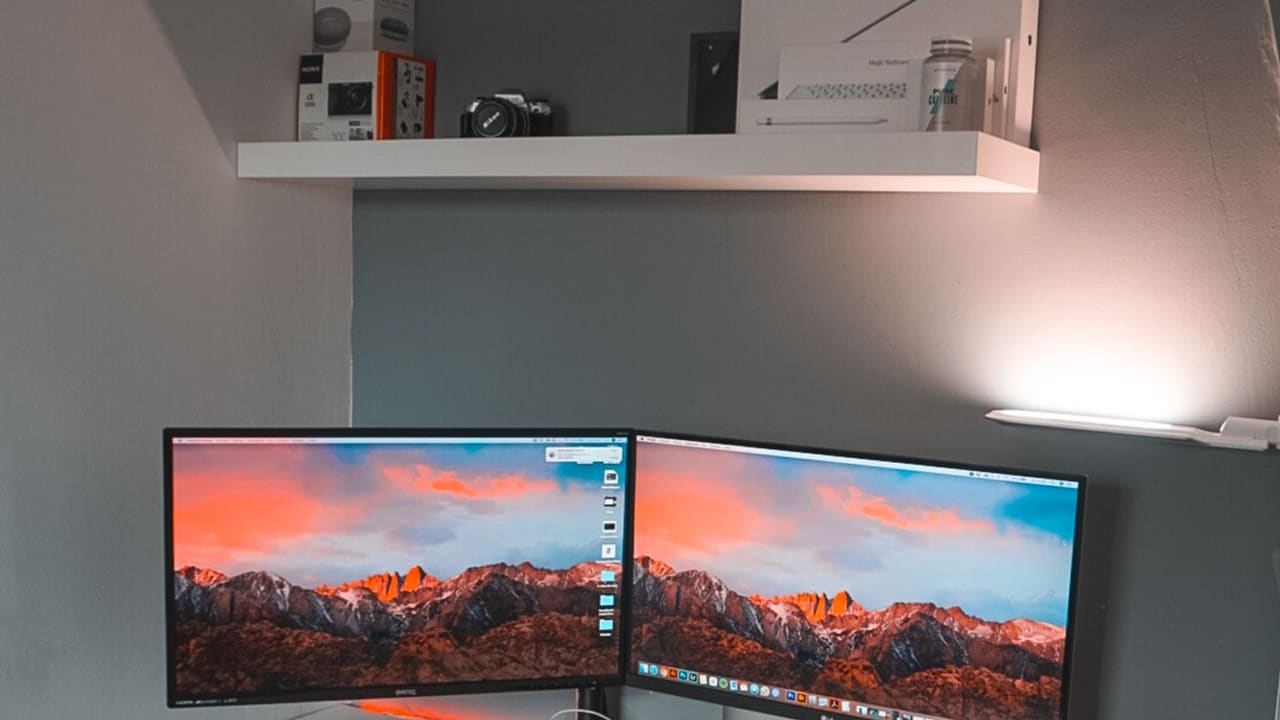
Put two to four windows side by side neatly.
1. Windows 11: hover the mouse over a window's maximize button and choose a layout, or press Windows key and Z.
2. Any version: press Windows key and Left or Right arrow to snap a window to half the screen, then pick the other window to fill the other half.
3. Windows key and Up or Down arrow maximizes or minimizes.
4. Drag a window to a screen corner to snap it to a quarter.
5. Turn the features on or off in Settings, then System, then Multitasking.