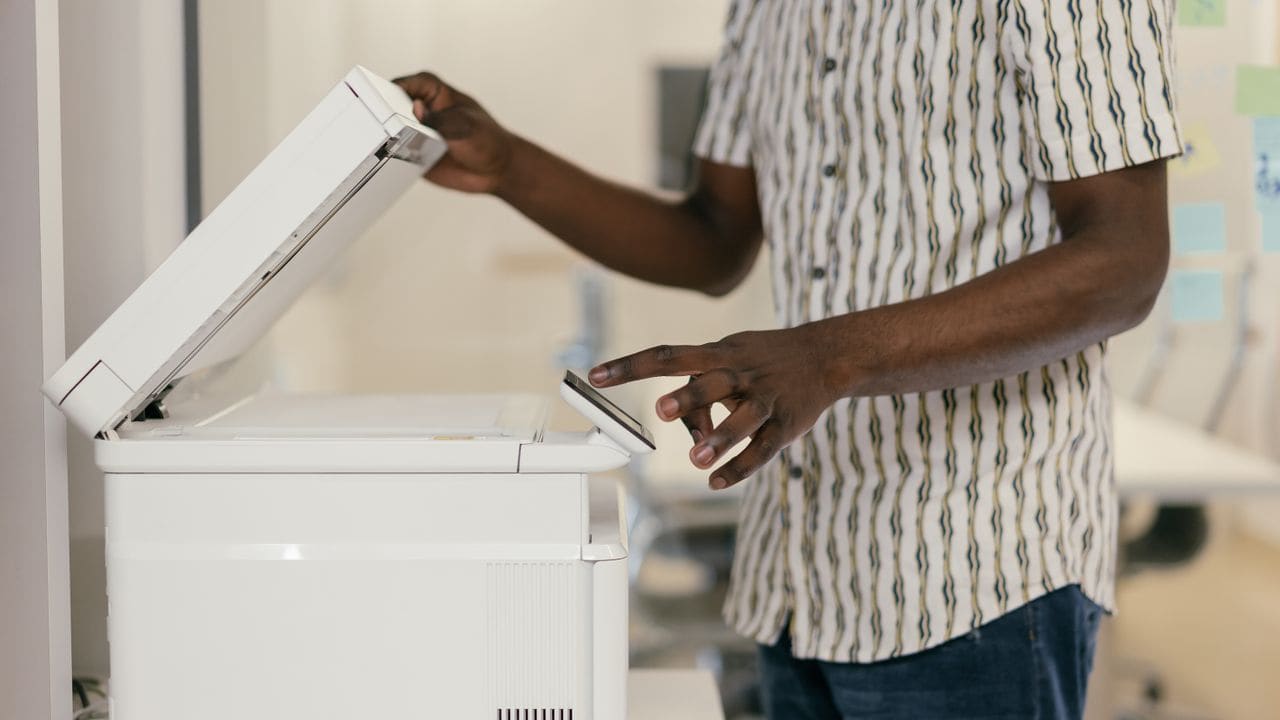
1. Connect the printer or scanner and install its software from the maker's website if needed.
2. Open the Windows Scan app (free from the Microsoft Store) or "Windows Fax and Scan".
3. Choose the scanner, source (flatbed or feeder) and file type (PDF or JPEG).
4. 300 dpi is good for documents. 600 dpi for photos.
5. Click Scan and choose where to save.
6. Many printers' own apps (HP Smart, Epson Scan, Canon IJ Scan) can scan several pages into one PDF.
No scanner? Your phone can scan very well (see our scan documents tips).