1. Check the volume icon in the taskbar isn't muted, and the app's own volume is up.
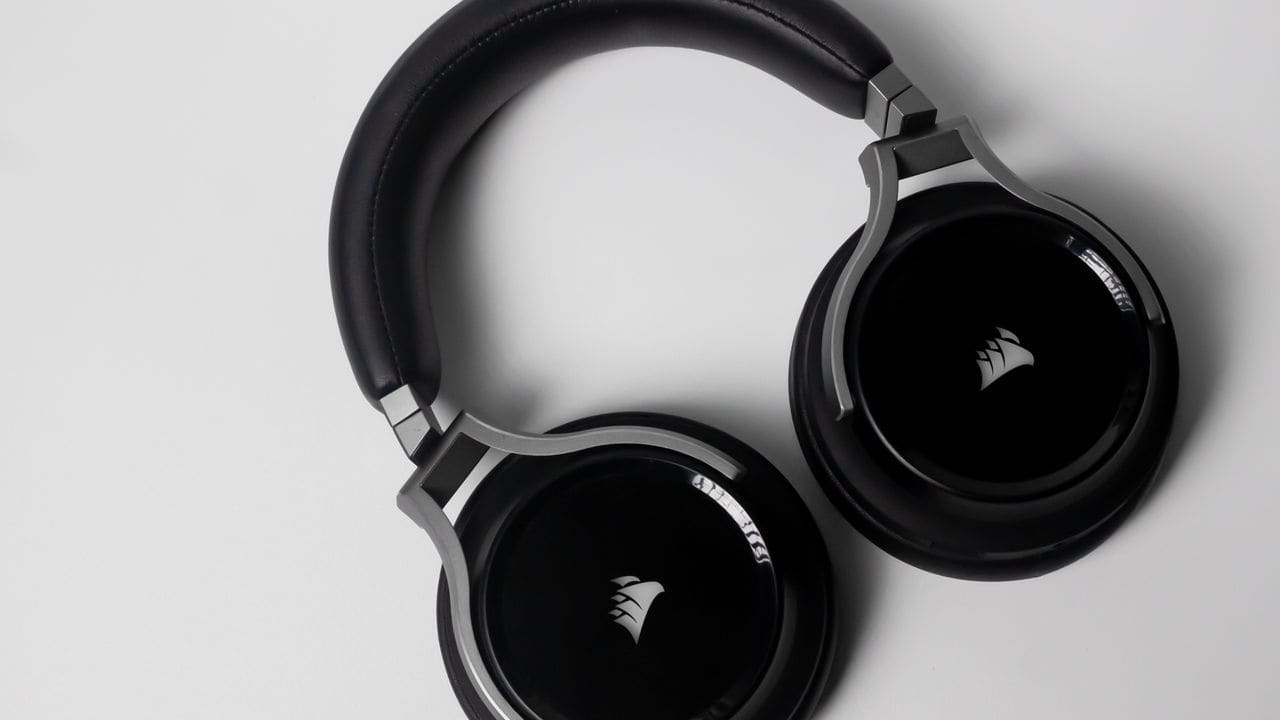
2. Choose the right output: click the volume icon, then the arrow next to the slider, and pick the speakers or headphones you want.
3. Unplug and replug headphones or HDMI. A TV or monitor connected by HDMI often takes the sound.
4. Run the audio troubleshooter: Settings, then System, then Troubleshoot, then Other troubleshooters, then Audio.
5. Device Manager: under "Sound, video and game controllers", right-click the audio device, then Uninstall device, and restart. Windows reinstalls it.
6. Install the audio driver from the laptop or motherboard manufacturer's support site.