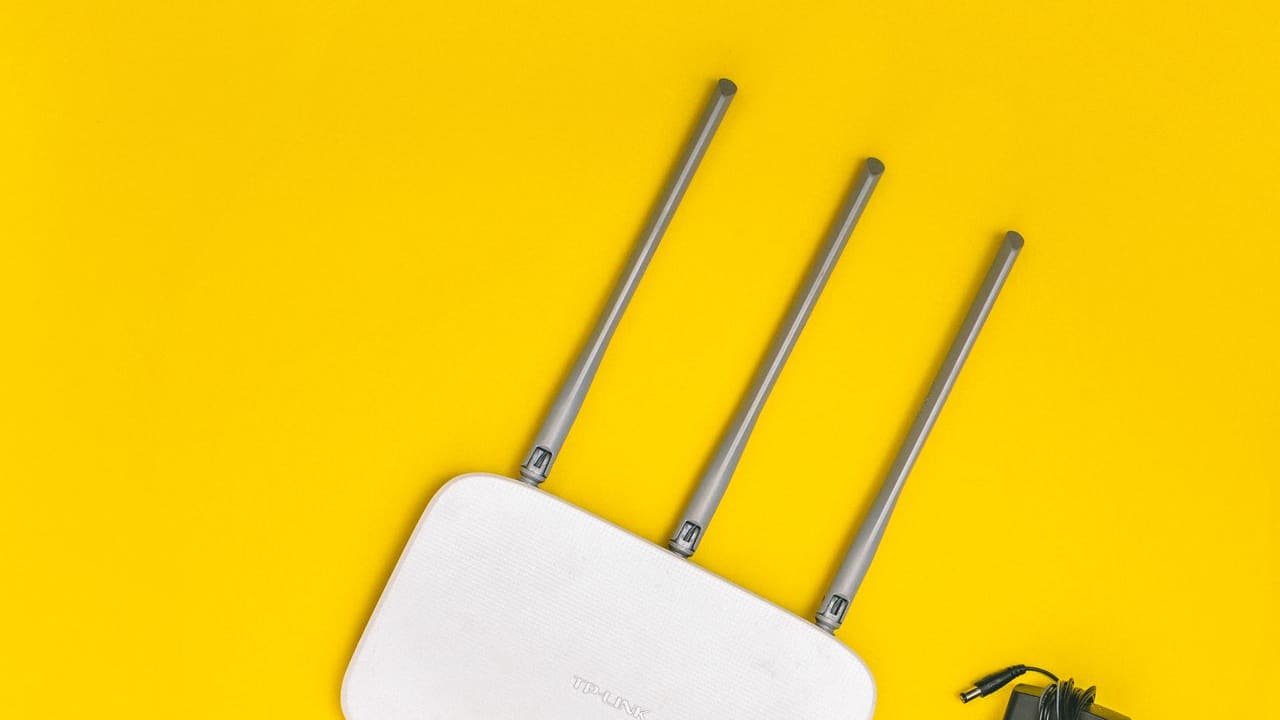
1. Check other devices on the same Wi-Fi work. If not, restart the router.
2. Turn Airplane mode off, and check the laptop's Wi-Fi key (often Fn plus a key with a signal icon).
3. Forget the Wi-Fi network and connect again with the password.
4. Run the network troubleshooter: Settings, then System, then Troubleshoot, then Other troubleshooters, then Network and Internet.
5. Reset the connection: open Command Prompt as administrator and run:
ipconfig /flushdns
netsh winsock reset
netsh int ip reset
Then restart the PC.
6. Network reset: Settings, then Network and internet, then Advanced network settings, then Network reset. This reinstalls the network adapters (save Wi-Fi passwords first).
7. Wi-Fi missing completely? See our tip on a missing Wi-Fi adapter.