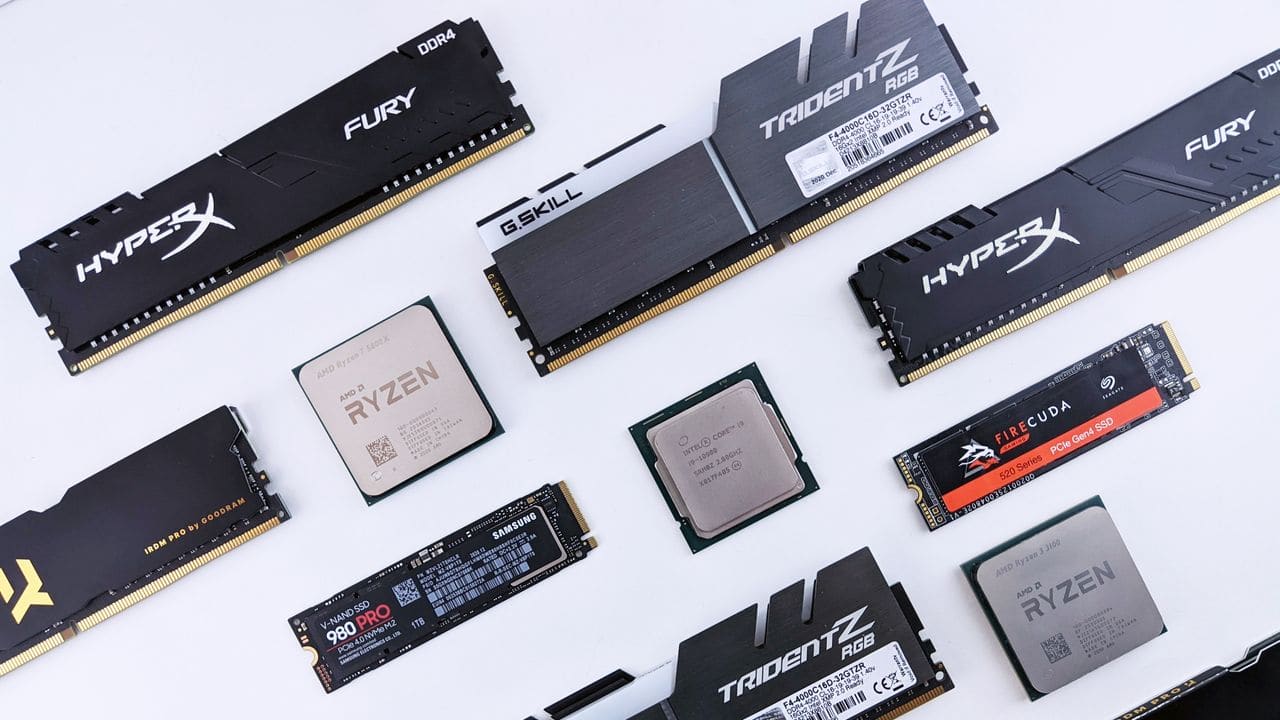
Faulty RAM causes blue screens, freezing and random restarts.
1. Save your work.
2. Press Windows key and R, type mdsched.exe and press Enter.
3. Choose "Restart now and check for problems".
4. The test runs before Windows starts (about 10 to 20 minutes). Press F1 during the test to choose the Extended test for a more thorough check.
5. After Windows starts, the result appears as a notification. If you miss it, open Event Viewer, then Windows Logs, then System, and look for MemoryDiagnostics-Results.
Errors found? Try one RAM stick at a time to find the faulty one, or bring it in for a replacement.