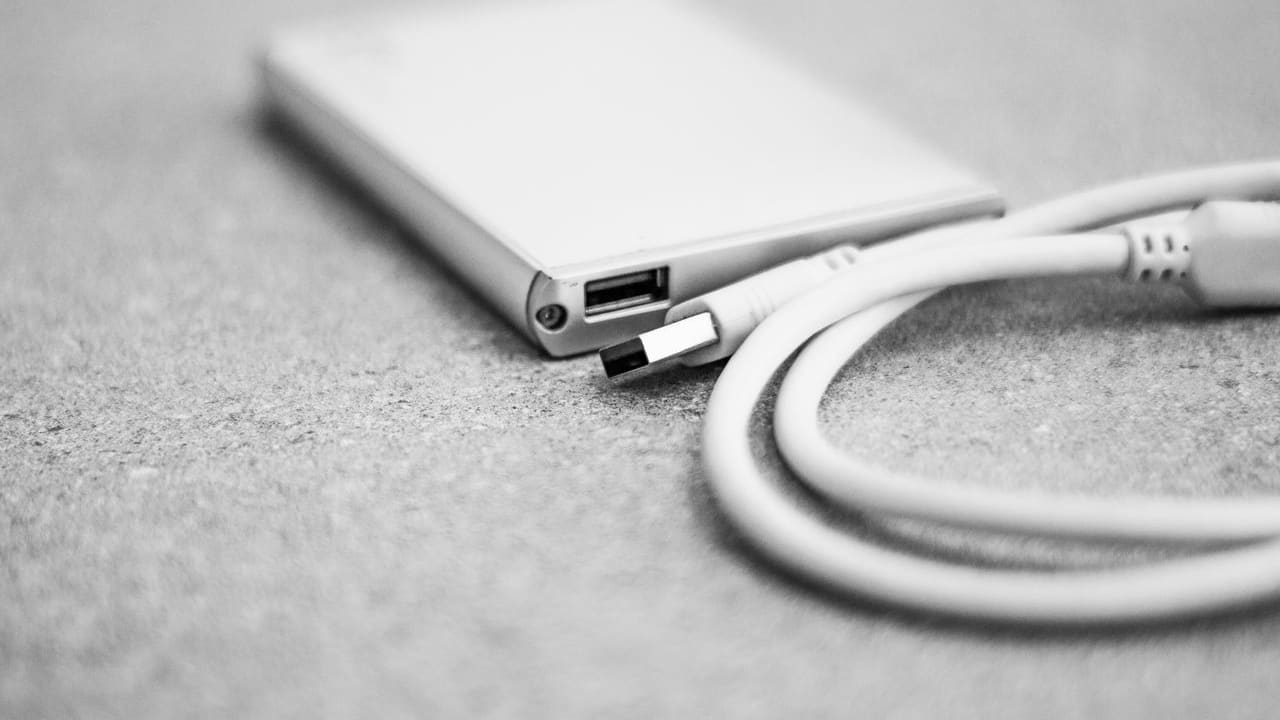
File History copies your files to an external drive every hour and keeps older versions.
1. Plug in an external hard drive or a big USB drive.
2. Open Control Panel, System and Security, File History (or search "File History").
3. Select the drive and click Turn on.
4. Advanced settings: choose how often to copy and how long to keep versions.
5. Restore: search "Restore your files with File History", find the file or older version, and click the green restore button.
6. Keep the drive plugged in, or connect it regularly.
Windows 11 also has the Windows Backup app (to OneDrive). An external drive backup works without internet and protects against ransomware if you unplug it after.