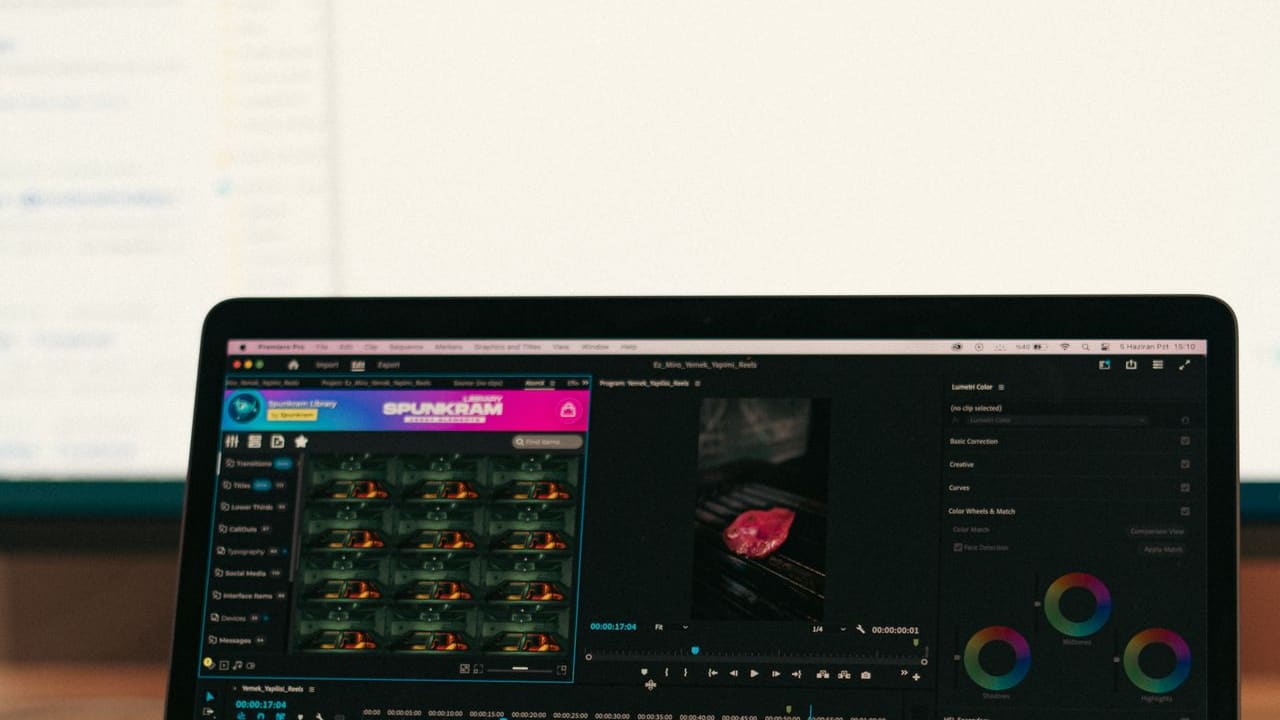
Clipchamp is Microsoft's free video editor (built into Windows 11, free from the Microsoft Store on Windows 10).
1. Open Clipchamp and create a new video.
2. Import your phone clips and photos, then drag them to the timeline.
3. Trim, split, add text, music, transitions and stickers.
4. Auto captions: writes subtitles from the speech (great for TikTok and WhatsApp status).
5. Choose the size: 16:9 for YouTube, 9:16 for TikTok and status.
6. Export in 1080p for free.
Use music you have the right to use. Clipchamp's own stock music is safe.