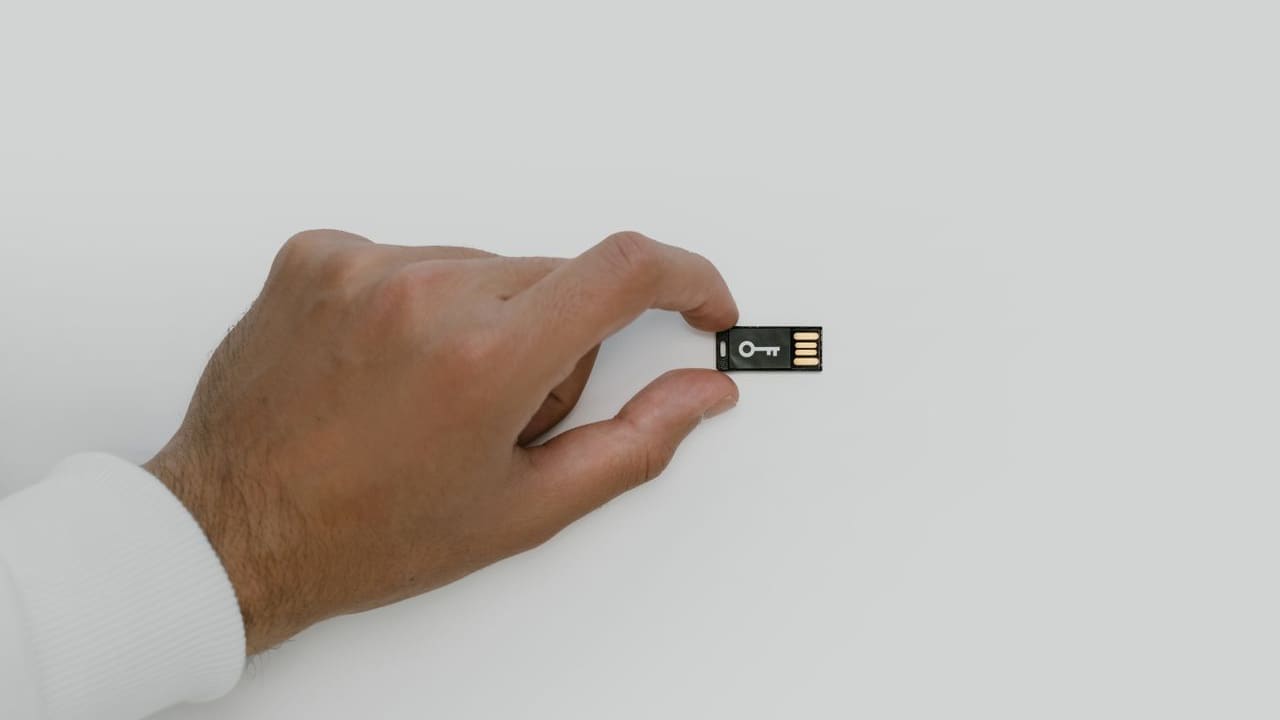
You need a USB flash drive of at least 8 GB. Everything on it will be erased.
Option 1: Microsoft's Media Creation Tool (easiest)
1. On a working PC, go to microsoft.com/software-download and choose Windows 11 or Windows 10.
2. Under "Create Windows installation media", download and run the tool.
3. Accept the terms, choose the language and edition, then "USB flash drive".
4. Pick your USB drive and wait until it says it's ready.
Option 2: Rufus with an official ISO
1. From the same Microsoft page, download the Windows ISO file.
2. Download Rufus from rufus.ie and open it.
3. Device: your USB drive. Boot selection: the ISO. Partition scheme: GPT for most PCs from 2015 onwards, MBR for very old ones.
4. Click Start and wait for "READY".
Only download Windows from microsoft.com. Copies from other sites can contain malware.