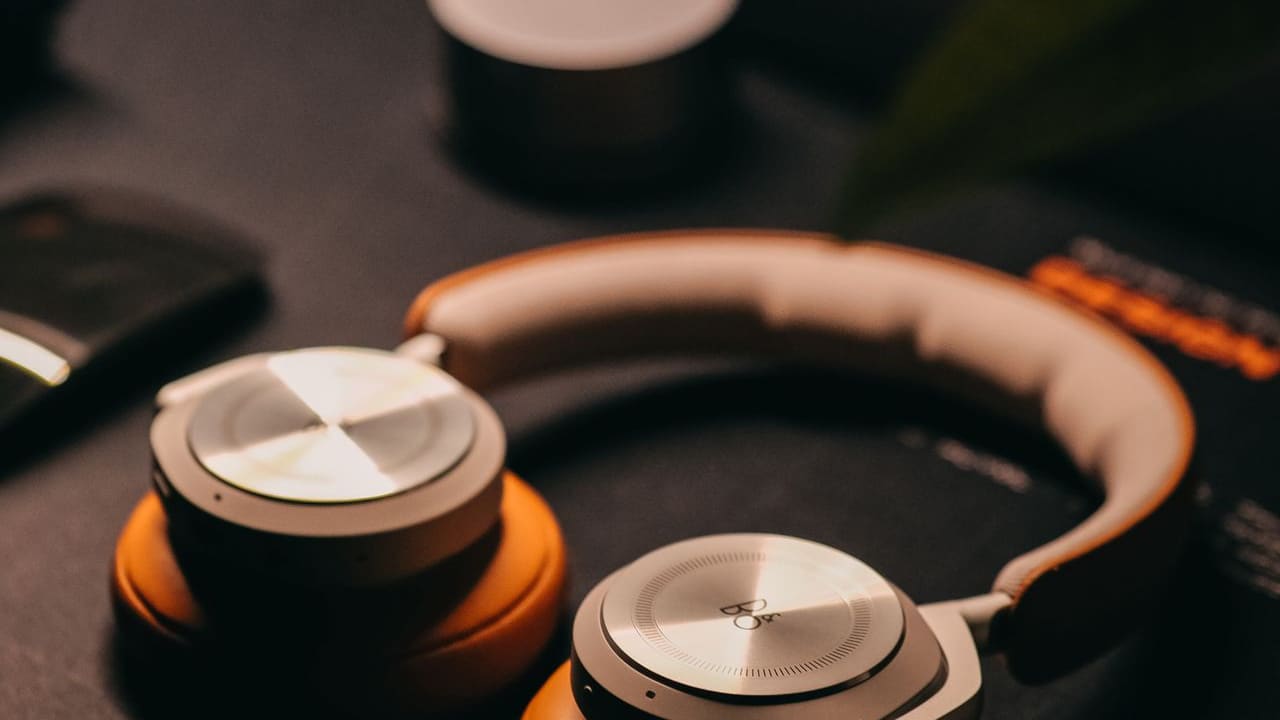
Connect Bluetooth Headphones, Speakers or Mice to Windows
Tools You'll Need
Bluetooth Settings
1. Put the device in pairing mode (usually hold its power or Bluetooth button until a light flashes).
2. Settings, then Bluetooth and devices, then Add device, then Bluetooth. Choose the device from the list.
3. Already paired but not working? Click the device, then Remove device, and pair again.
4. Sound still coming from laptop speakers? Choose the headphones in the volume menu in the taskbar.
5. No Bluetooth option at all? Check Device Manager for the Bluetooth adapter and install its driver from the laptop maker's site. Desktop PCs often need a USB Bluetooth adapter.