1. OneDrive: sign in to OneDrive and turn on folder backup for Desktop, Documents and Pictures (OneDrive settings, then Sync and backup, then Manage backup). The free plan includes 5 GB.
2. Windows 11 Windows Backup app: search "Windows Backup" to back up folders, apps and settings to your Microsoft account.
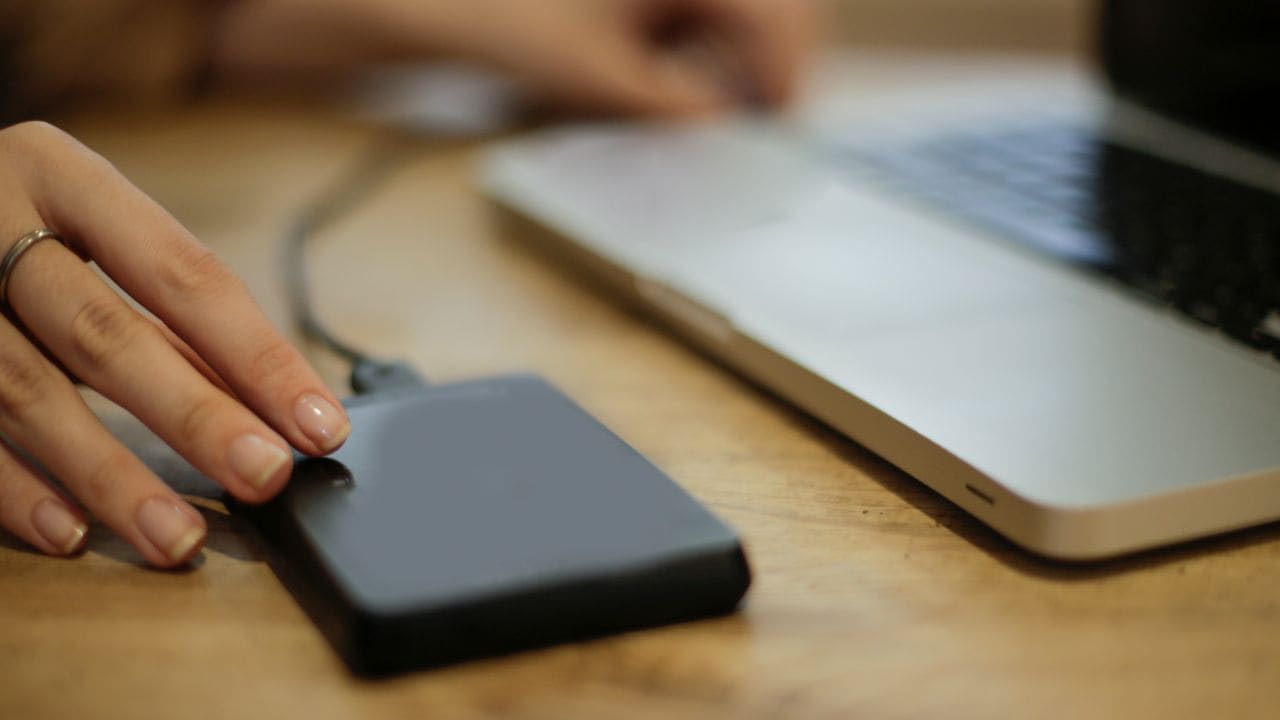
3. External drive with File History: plug in a USB drive, open Control Panel, then File History, select the drive and click Turn on. It keeps copies automatically while the drive is connected.
4. Simple copy: copy the Desktop, Documents, Pictures, Downloads and Videos folders to an external drive.
Keep at least one copy off the PC, so a dead drive or virus doesn't take everything.