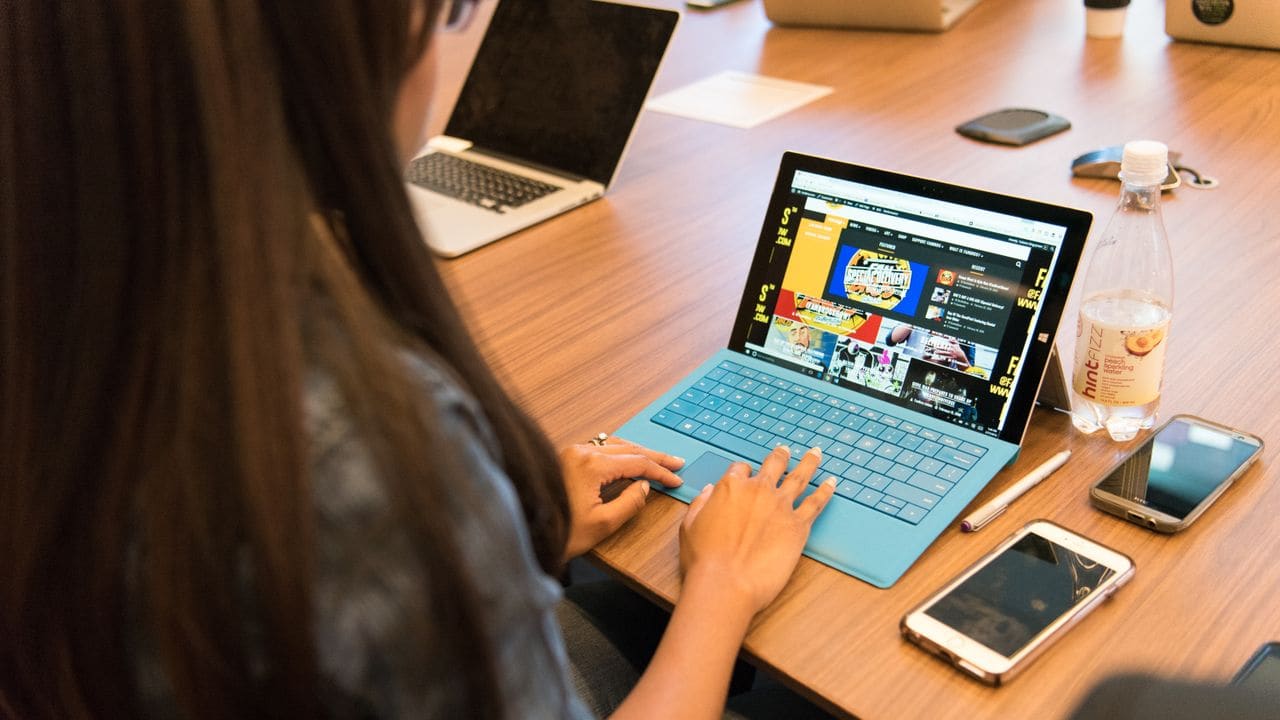
Give each person their own account so their files, passwords and settings stay separate.
1. Settings, then Accounts, then Other users (or Family and other users), then Add account.
2. With a Microsoft account: enter their email.
3. Local account (no email): click "I don't have this person's sign-in information", then "Add a user without a Microsoft account", and set a name and password.
4. New accounts are Standard users. Keep them that way for children and shared PCs. To change: select the account, then Change account type.
5. Children: use the Family option to set screen time and content limits.