1. Light in front of you: face a window or put a lamp behind the screen. Light behind you makes your face dark.
2. Camera at eye level: raise the laptop on books.
3. Wipe the webcam lens. Laptop cameras get greasy fingerprints.
4. A plain, tidy background, or use background blur in Zoom, Teams or Meet.
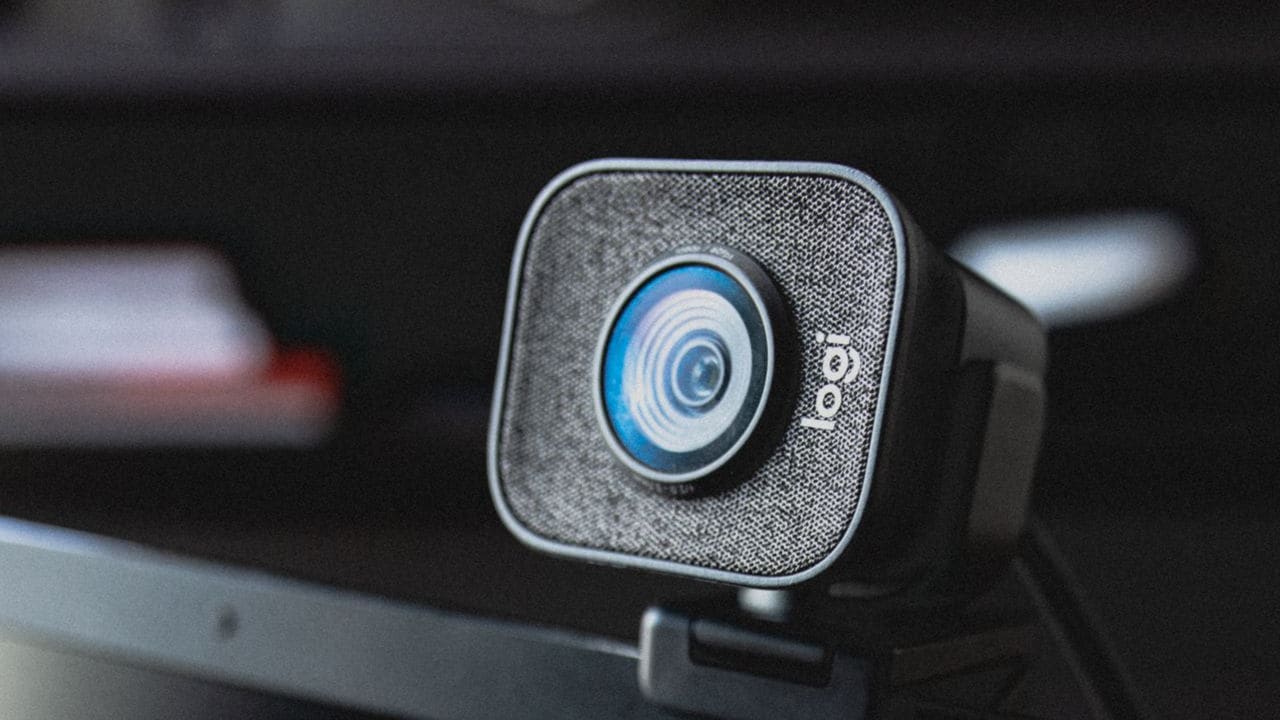
5. An external 1080p webcam looks much better than most built-in laptop cameras.
6. Windows 11: Settings, Bluetooth and devices, Cameras, choose your camera to adjust brightness and contrast.
Good sound matters more than video: use earphones with a mic.