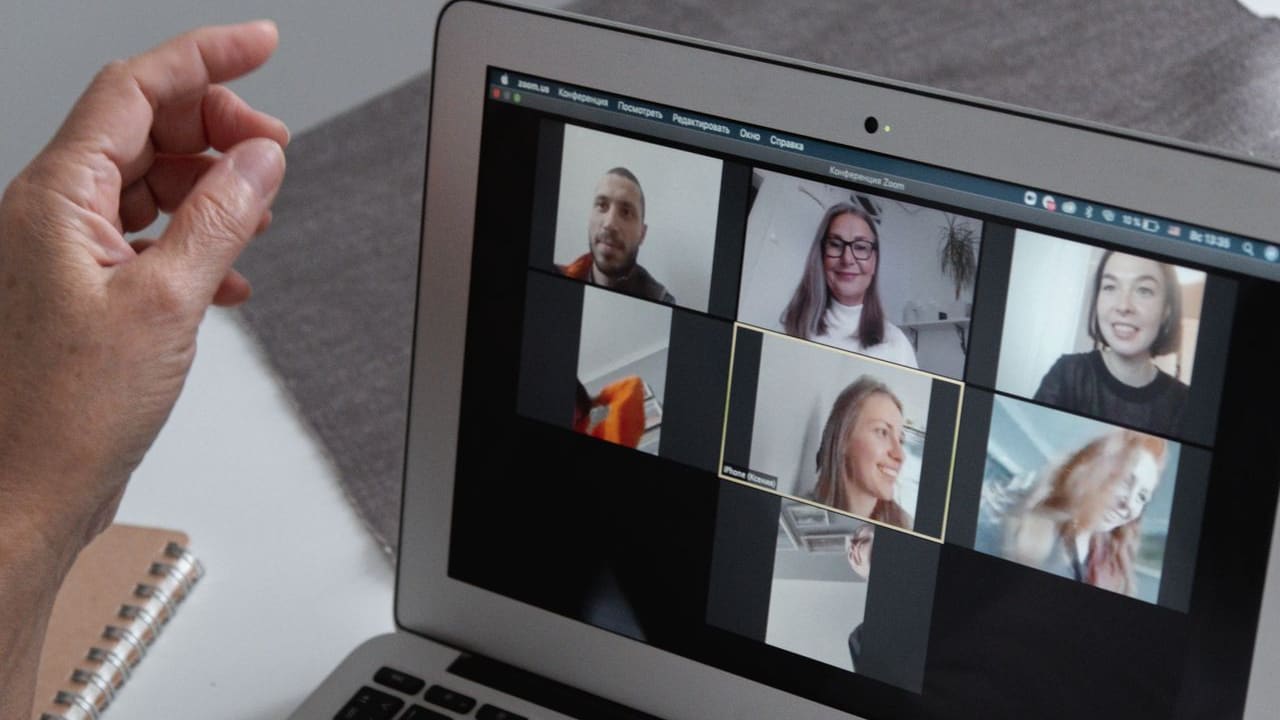
Better Video Calls on Zoom, Google Meet and WhatsApp
Tools You'll Need
ZoomGoogle MeetWhatsApp
1. Test before important calls: join a test meeting or call a friend.
2. Internet: stand near the router or use a cable. Turn off downloads and other video on the same Wi-Fi.
3. Light in front of you (a window or lamp), not behind.
4. Use earphones to stop echo, and mute when you're not speaking.
5. Camera at eye level. Prop the laptop on books.
6. Poor connection: turn off your video and keep audio.
7. Data: a video call can use around 1 GB per hour or more. Audio only uses far less.
Share your screen to show a document. Close private tabs and messages first.