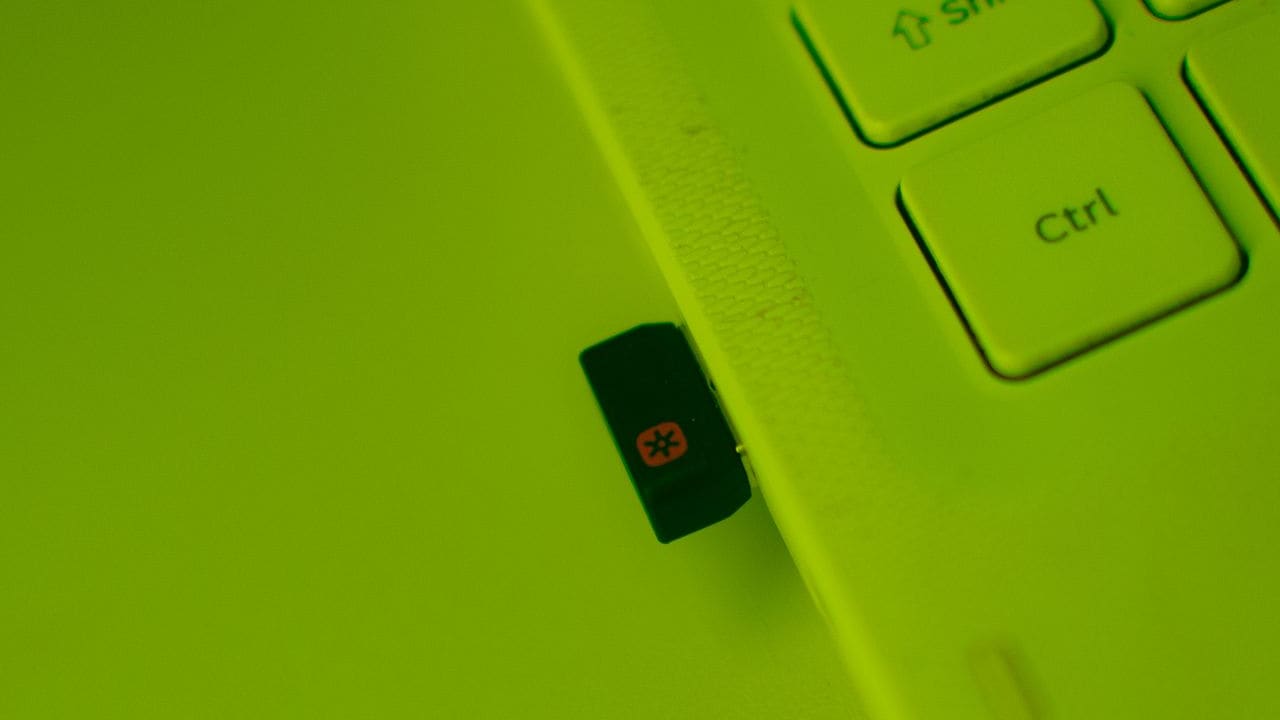
1. Try another USB port, preferably at the back of a desktop, and another cable.
2. Try the device on another PC to see if the device itself is faulty.
3. Device Manager: find the device with a yellow warning (often under "Universal Serial Bus controllers" or "Other devices"), right-click, Uninstall device, then unplug and plug it back in.
4. Power saving: in Device Manager, open each "USB Root Hub", then Power Management, and untick "Allow the computer to turn off this device".
5. Install the device's driver (phone drivers are covered in our USB drivers tip).
6. Restart the PC fully (Shift and Restart).