USB Cable Types Explained: USB-C, Micro-USB and Lightning
Tools You'll Need
USB cables
USB-A: the big flat plug found on older chargers and computers.
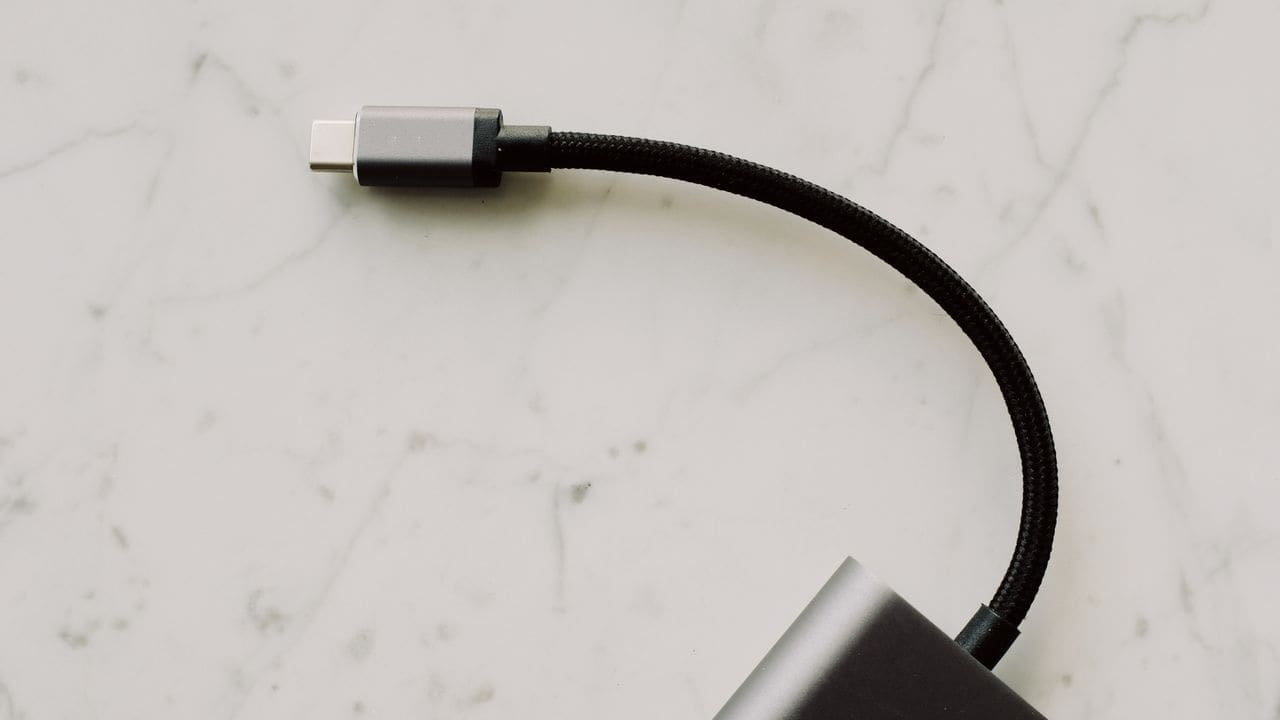
USB-C: small, oval, fits either way. Most new phones, laptops and iPhone 15 and newer.
Micro-USB: older Android phones, speakers and power banks. Only fits one way.
Lightning: iPhone 5 to iPhone 14.
Not all cables are equal:
1. Some cheap cables charge only and can't transfer data (the phone won't show on the PC).
2. USB-C cables for laptops must support the power (60 W, 100 W or 240 W). A phone cable may not charge a laptop.
3. USB 2.0 cables transfer files slowly. USB 3 or higher is faster for drives.
Label your good cables so they don't get mixed up.