Upgrade to an SSD: The Best Speed Boost for an Old Laptop
Tools You'll Need
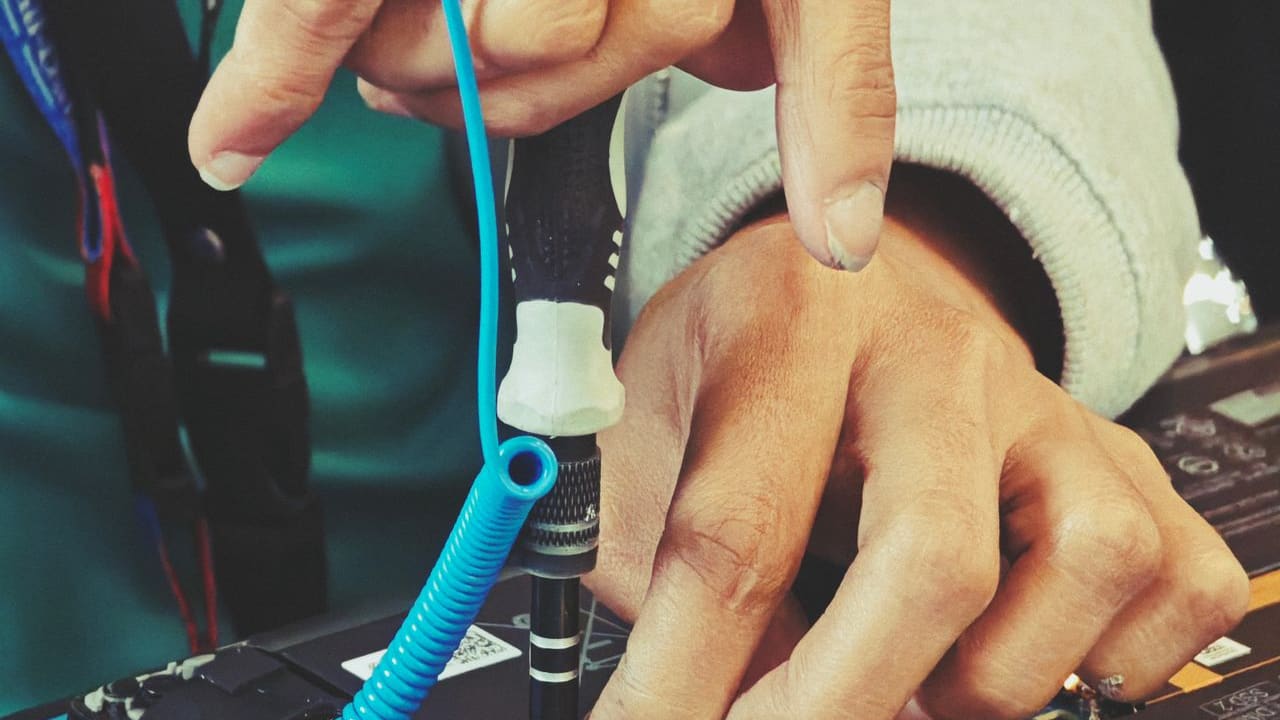
SSDScrewdriverCloning software
A slow laptop with a hard disk (HDD) can start in seconds instead of minutes with an SSD.
1. Check the slot: most older laptops take a 2.5 inch SATA SSD. Newer ones take M.2 (SATA or NVMe). Check the laptop model's specs before buying.
2. Back up your files.
3. Choose: clone the old disk to the SSD with cloning software, or do a fresh Windows install (cleaner and often faster, see our clean install tip).
4. After installing, check Optimise Drives shows "Solid state drive" (see our optimise tip).
5. Keep the old disk as an external drive with a cheap USB case.
Many 4 to 8 year old laptops feel almost new after an SSD plus 8 GB RAM. We can fit and set it up for you.