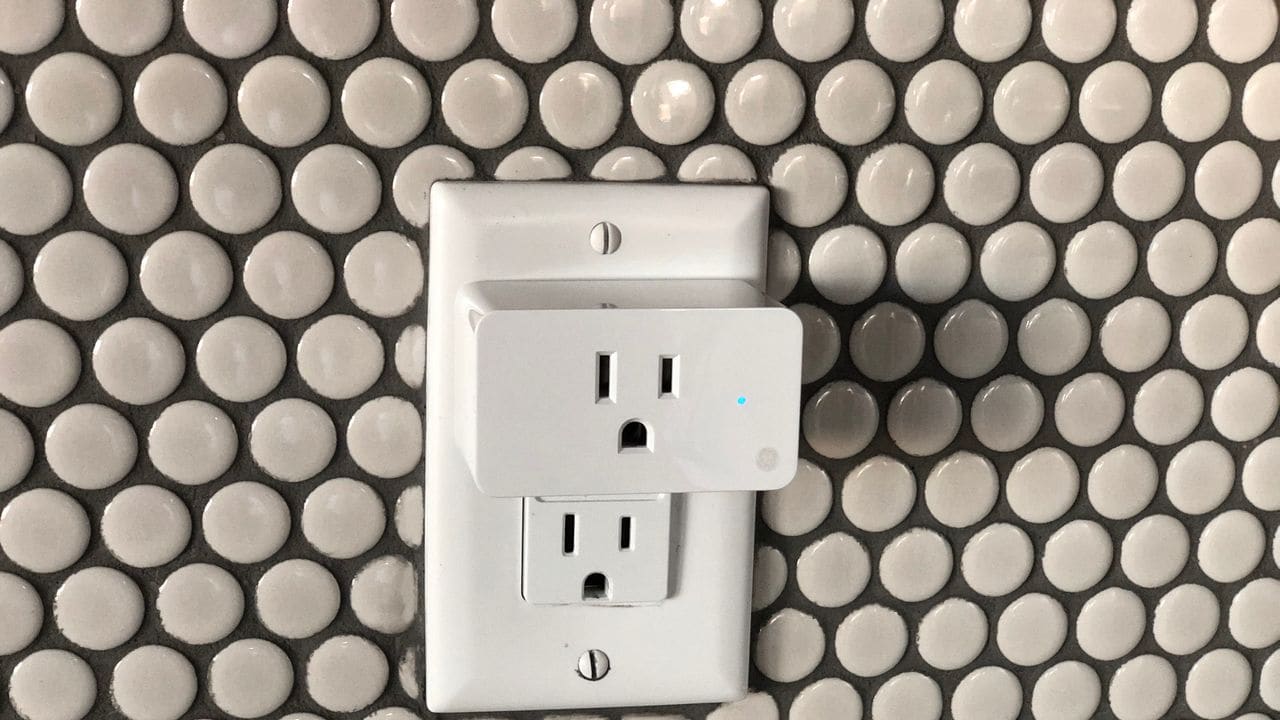
Smart Plugs: Control and Schedule Devices from Your Phone
Tools You'll Need
Smart plug app
1. Plug it in and install its app (the brand's own, or one like Smart Life or Tapo).
2. Connect it to your 2.4 GHz Wi-Fi from the app.
3. Turn devices on and off from anywhere, or set schedules: a water heater for 30 minutes in the morning, shop lights at night.
4. Some show energy use, helpful for finding power-hungry devices.
5. Use voice control with Google Assistant or Alexa if you have them.
Check the plug's maximum load (for example 10 A or 16 A). Never use it for anything above that rating.