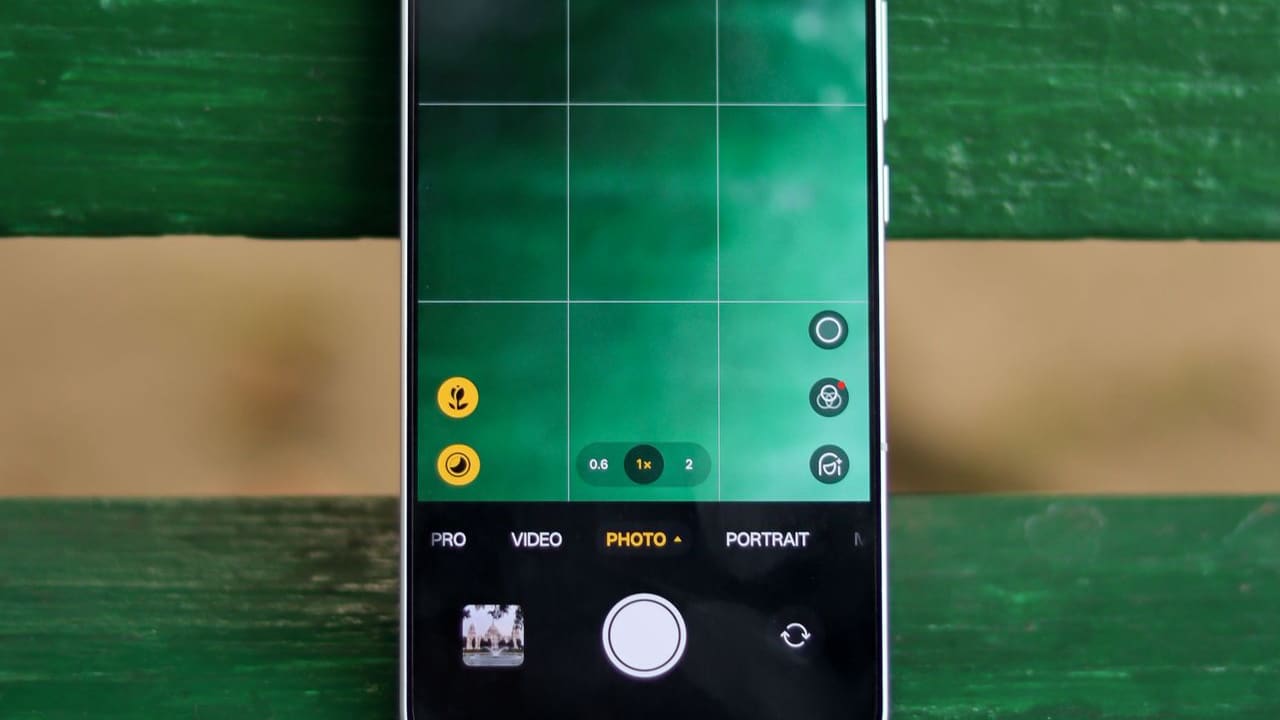
Android screenshot: press Power and Volume Down together. Many phones also support a three-finger swipe down.
Android screen recording: swipe down twice to open Quick Settings and tap "Screen recorder" (Android 11 and newer). Add it with the pencil icon if it's missing. Choose whether to record sound.
iPhone screenshot: press the Side button and Volume Up together (or Home and Side on older iPhones).
iPhone screen recording: add Screen Recording in Settings, then Control Center, then open Control Center and tap the record button.
Tip: screen recordings are a great way for customers to show a problem that comes and goes.