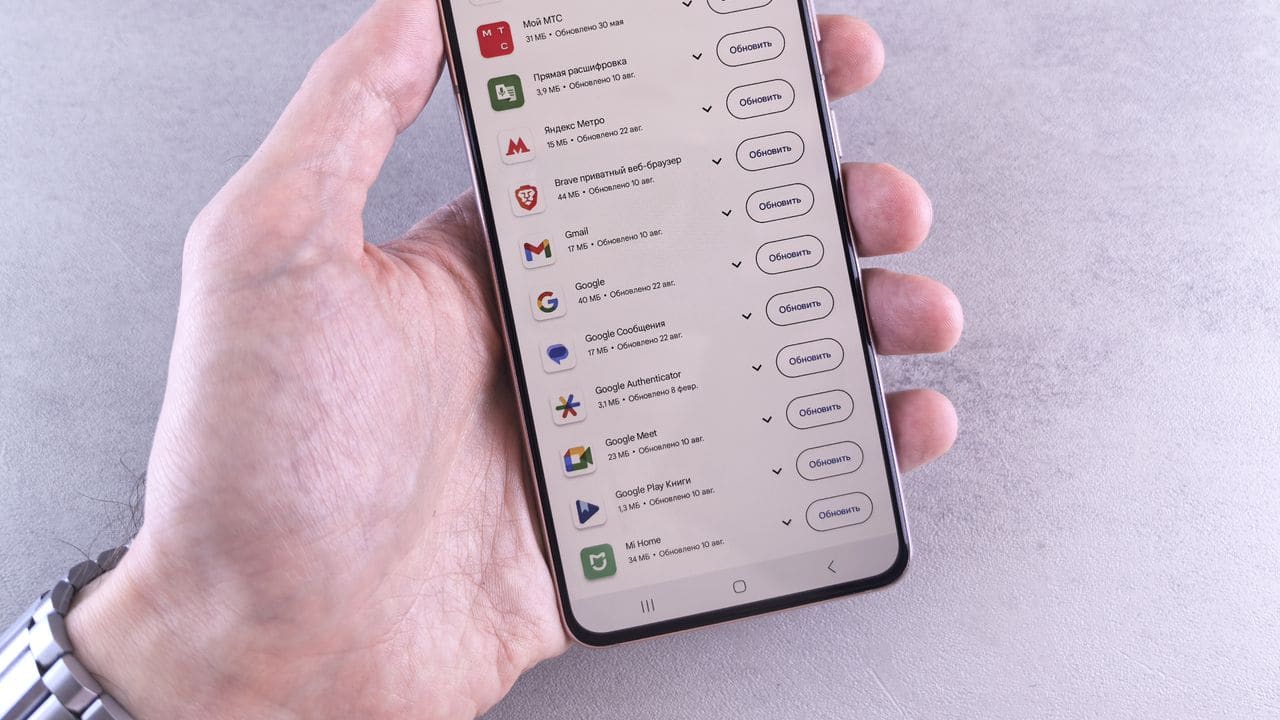
Official updates fix bugs and security problems. A failed or interrupted update is a common cause of bootloops, so prepare properly.
1. Before updating
Charge to at least 50 percent, connect to stable Wi-Fi, and back up the phone (see our backup tip). Free at least 3 to 5 GB of storage.
2. Update
Settings, then System (or About phone), then Software update. Download and install, and don't use or restart the phone while it installs.
3. "Update failed" or "Installation problem"
Restart the phone and try again.
Free more storage space.
Clear the update app's cache: Settings, then Apps, then Software update (or System update), then Storage, then Clear cache.
Switch to a different Wi-Fi network.
4. Rooted or modified phones
Official updates usually fail on phones that are rooted, have a custom recovery or an unlocked bootloader. Flash the full stock firmware instead.
5. Never update from unknown "update" APKs or websites. Only use the phone's built-in Software update.