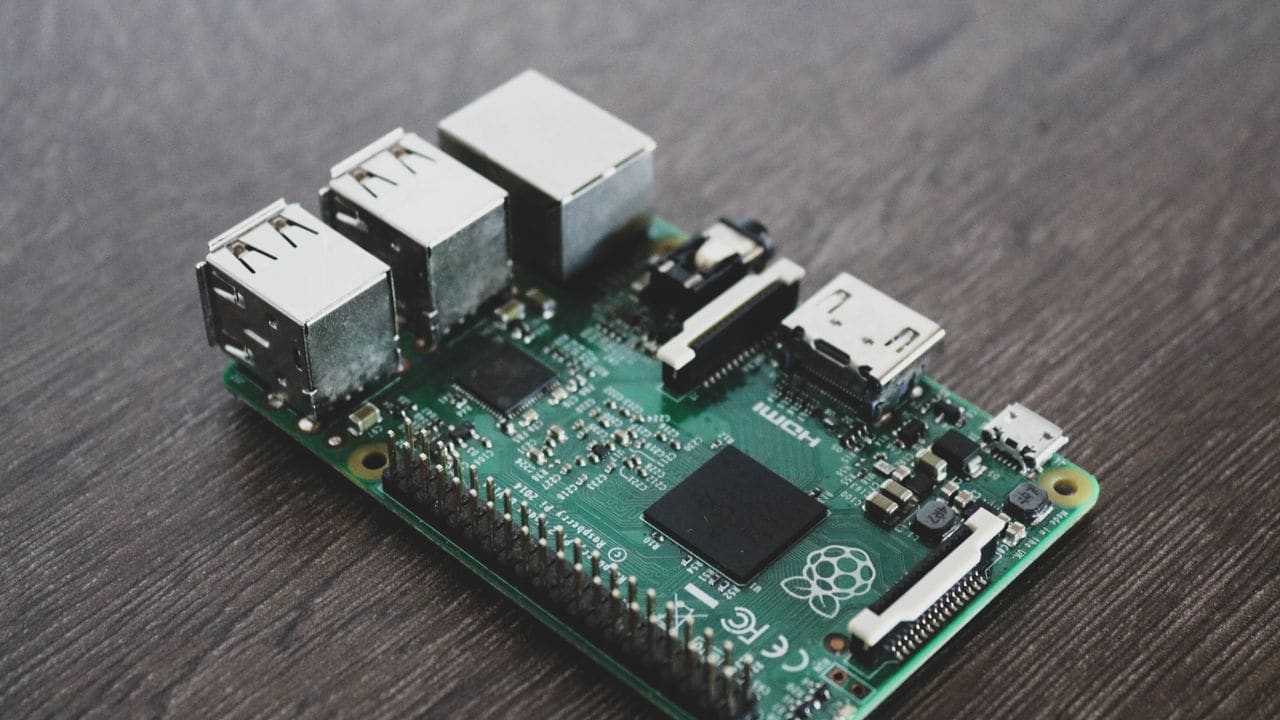
A Raspberry Pi is a tiny, low-power Linux computer. Great for learning, small projects and home servers.
1. You need: the Pi, its official power supply, a microSD card (32 GB or more), HDMI cable, keyboard and mouse.
2. On your PC, install Raspberry Pi Imager from raspberrypi.com.
3. Choose your Pi model, Raspberry Pi OS, and the microSD card. In the settings, set Wi-Fi, username and password, and enable SSH if you want remote access.
4. Write the card, put it in the Pi, connect everything and power on.
5. Ideas: learn Linux and Python, a media centre for the TV, a network ad blocker, a file server.
Weak phone chargers cause random restarts and corrupted cards. Use the proper power supply.