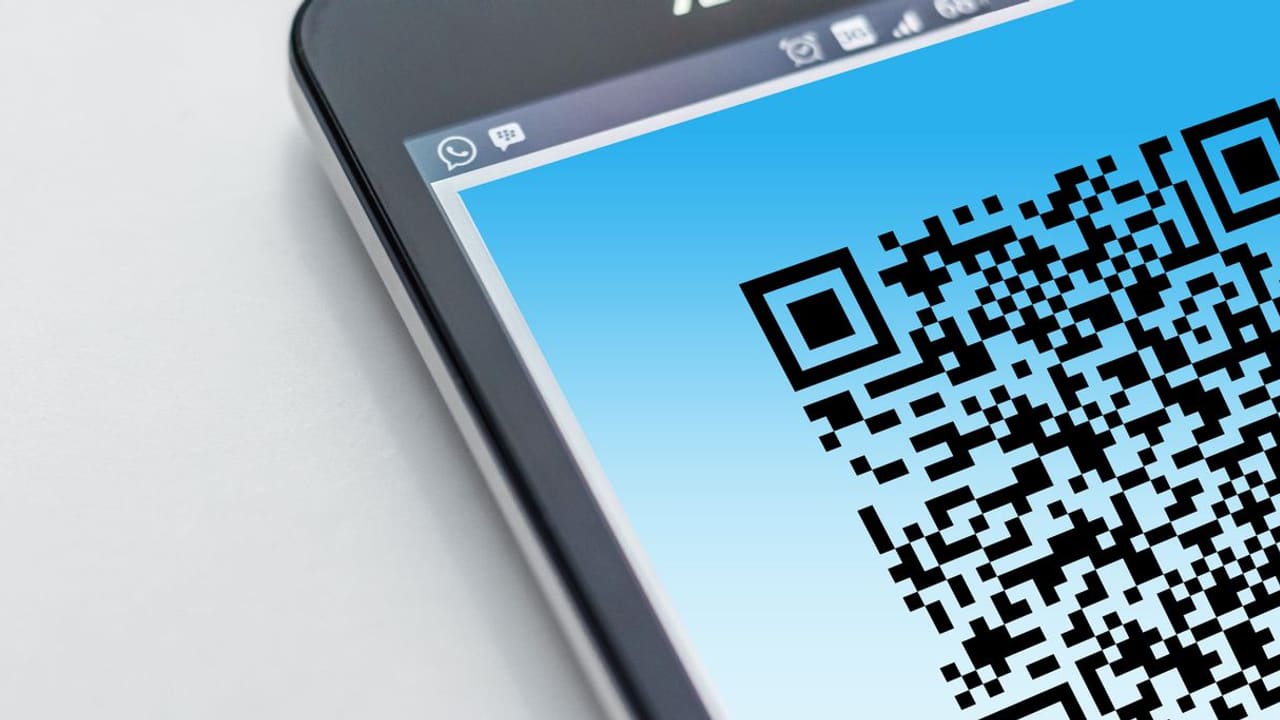
1. iPhone: open the Camera and point it at the code. Tap the link that appears. Or add Code Scanner to Control Centre.
2. Android: open the Camera, or use Google Lens, or the QR scanner in quick settings.
3. Check the link before you tap it. Make sure it goes to the real website.
4. Scammers stick fake QR codes over real ones on posters, parking signs and shop counters. Check for a sticker on top.
5. Don't enter PINs or card details on a page opened from a random QR code.
6. Wi-Fi QR codes join the network directly. That's safe when the code comes from the owner.
Paying by QR? Check the shop name shown before confirming.