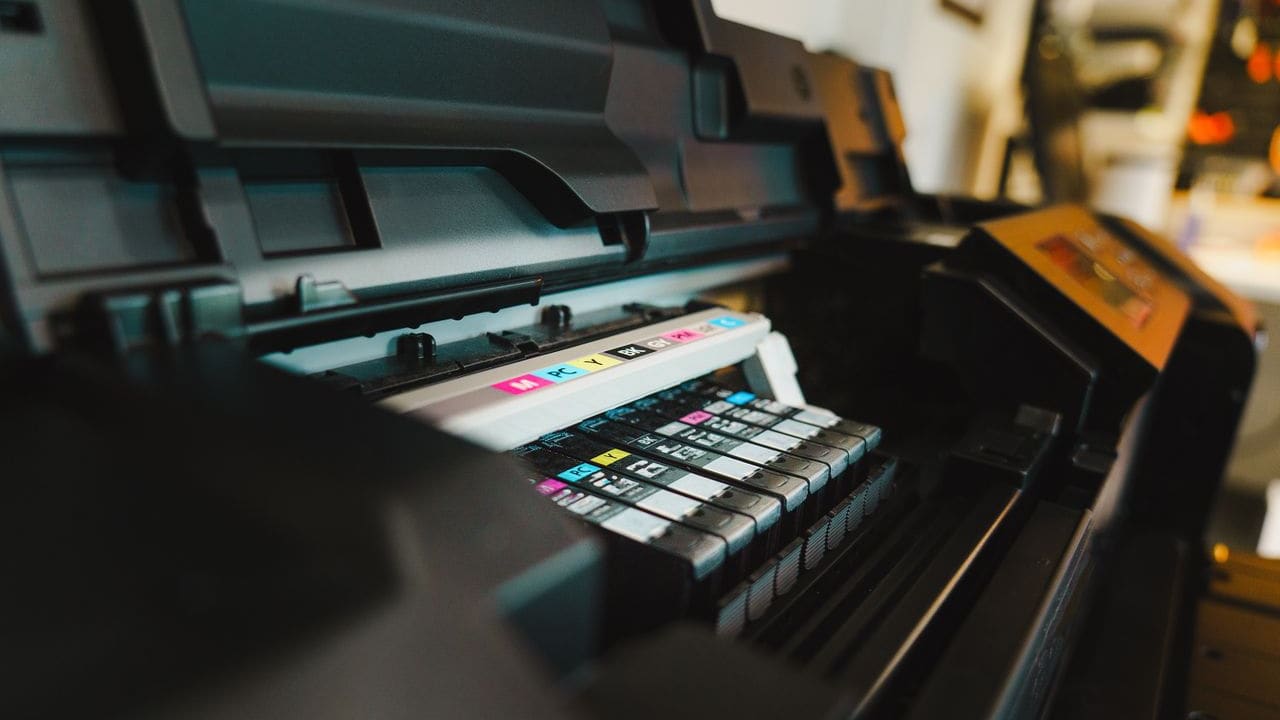
1. Check the printer is on, has paper and ink, and shows no error light.
2. Make sure it's the default printer: Settings, then Bluetooth and devices, then Printers and scanners.
3. Clear stuck jobs: open the printer, then "Open print queue", and cancel all documents.
4. Restart the print service: press Windows key and R, type services.msc, find "Print Spooler", right-click and choose Restart.
5. Still stuck? Stop Print Spooler, delete the files in C:\Windows\System32\spool\PRINTERS, then start Print Spooler again.
6. Remove the printer, restart, and add it again. Install the latest driver from the printer maker's site (HP, Canon, Epson).
7. Wi-Fi printers: make sure the PC and printer are on the same network.