1. Quick fixes
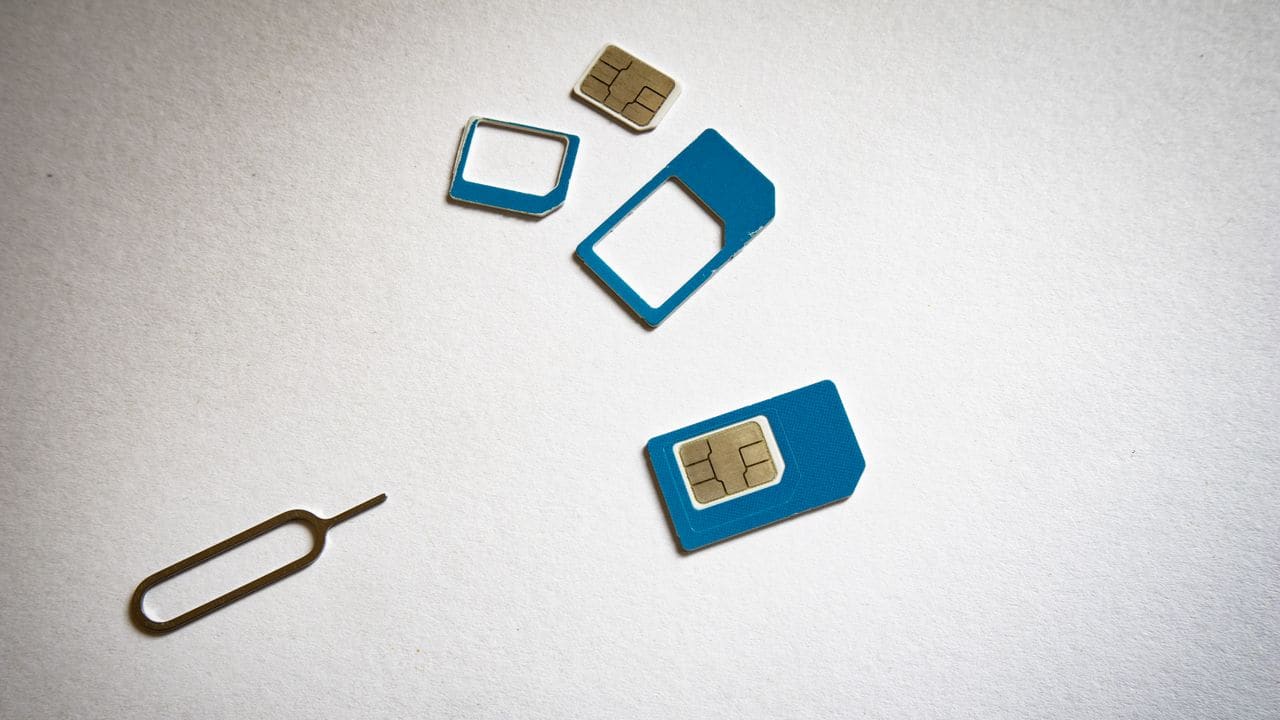
Turn Airplane mode on and off. Restart the phone. Remove and reinsert the SIM card.
2. Mobile data
Make sure Mobile data is on and you have data on your bundle. Check that Data roaming is off when you're in Uganda.
3. Check the APN
Settings, then Mobile network (or Connections), then Access Point Names. If it's empty or wrong, choose "Reset to default", or add the APN your network provides (ask your network's customer care).
4. Wi-Fi keeps dropping or won't connect
Forget the network and connect again with the password. Restart the router too.
5. Reset network settings
Settings, then System, then Reset options, then "Reset Wi-Fi, mobile and Bluetooth". This clears saved Wi-Fi passwords and pairings, but no personal data.
6. Network still missing after flashing?
Dial *#06#. If the IMEI shows as blank or 0, the phone needs its network data restored. Bring it to us.