1. Restart the phone.
2. Clear the camera app's cache: Settings, then Apps, then Camera, then Storage, then Clear cache.
3. Close other apps that may use the camera (video calls, flashlight, QR scanners).
4. Check permissions: Settings, then Apps, then Camera, then Permissions, and allow the camera.
5. Test in Safe Mode. If it works there, a recently installed app is the cause.
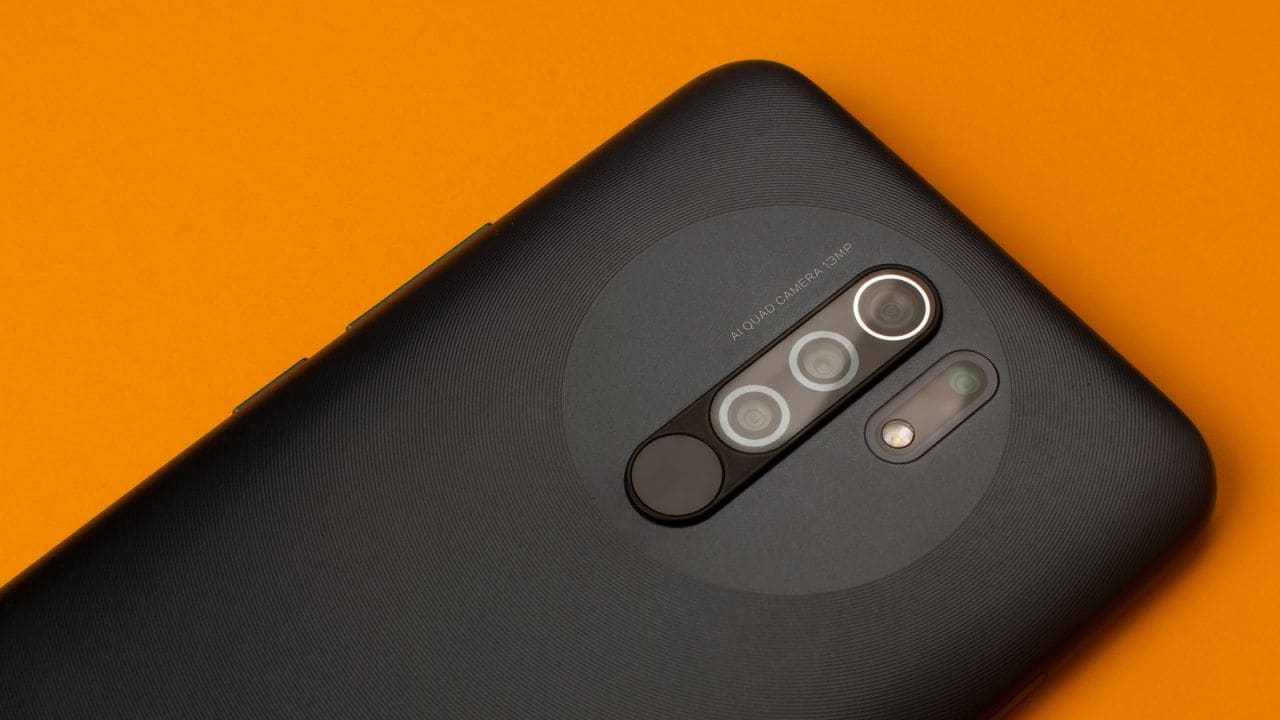
6. Try a different camera app (for example Google Meet or WhatsApp). If none work, the camera module or its connector likely needs replacing after a drop.