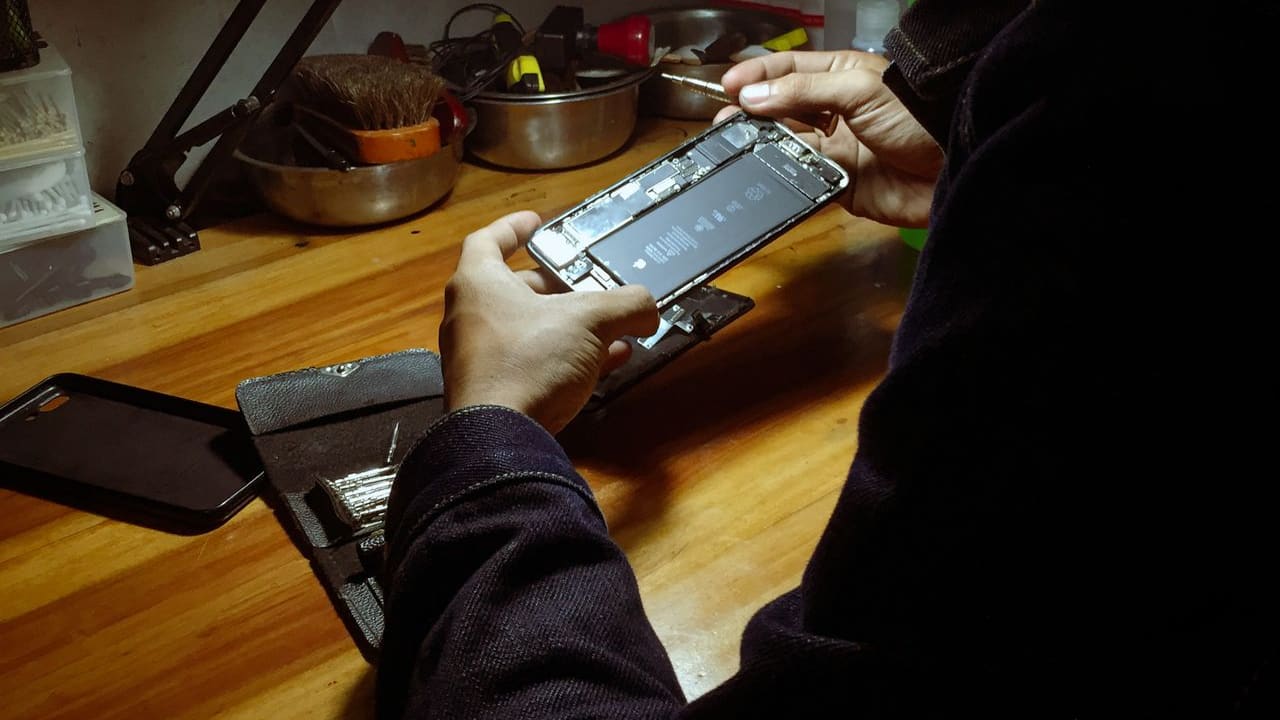
Prepare a Phone Before Selling It or Sending It for Repair
Tools You'll Need
Android Settings
1. Back up everything (see our backup tip).
2. For repair: you can keep your data, but set a simple PIN you're happy to share with the technician, or tell them the screen lock so they can test the phone after fixing it.
3. For selling or giving away
Remove your Google account first: Settings, then Accounts, then your Google account, then Remove account. On Samsung, also remove your Samsung account.
This stops the next owner being blocked by the FRP lock.
4. Factory reset
Settings, then System, then Reset options, then "Erase all data (factory reset)".
5. Remove your SIM card and SD card.
6. Keep the box and receipt: they show the phone was yours and make it easier to sell.