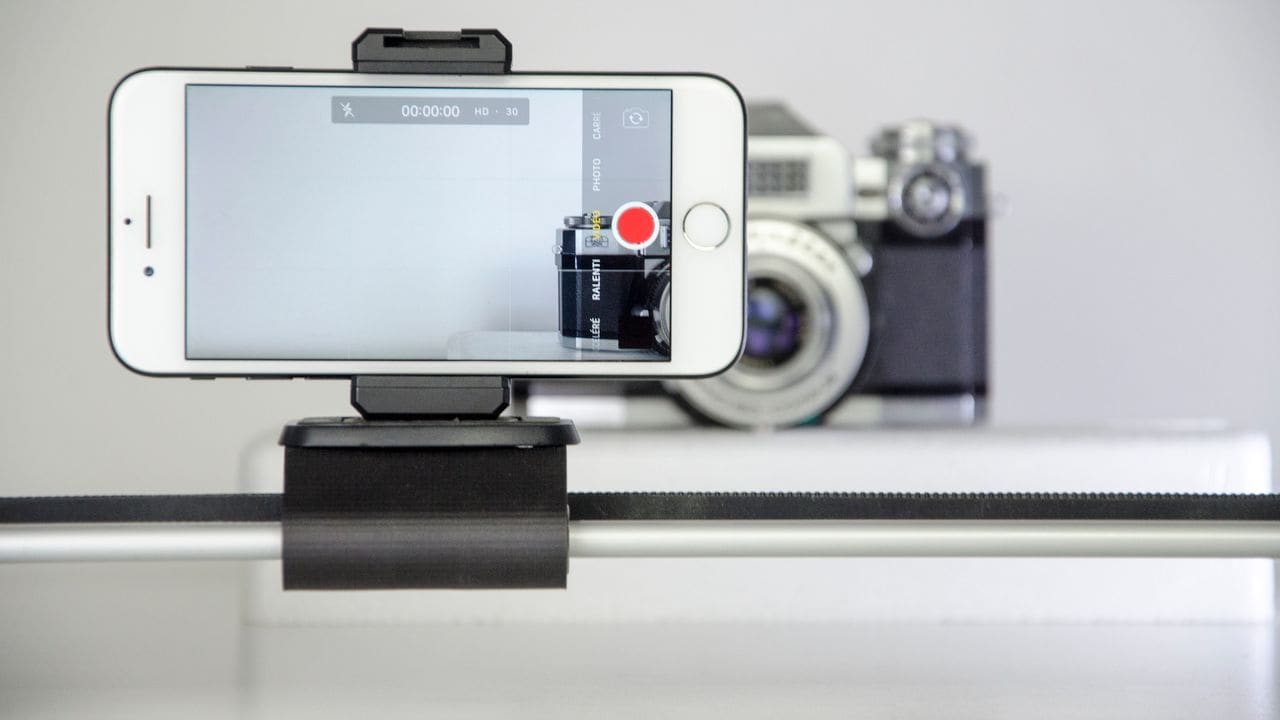
A phone camera is usually much better than a laptop webcam.
1. Android with Windows 11: link the phone with Phone Link (see our tip), then in Settings, Bluetooth and devices, Mobile devices, turn on "Use as a connected camera". Choose it in Zoom or Teams.
2. iPhone with a Mac: Continuity Camera works automatically in FaceTime, Zoom and others.
3. Other setups: apps like DroidCam or Camo (phone app plus computer program) work over Wi-Fi or USB.
4. Use the phone's rear camera for the best quality.
5. Put the phone on a small stand or tripod at eye level, and keep it on charge.