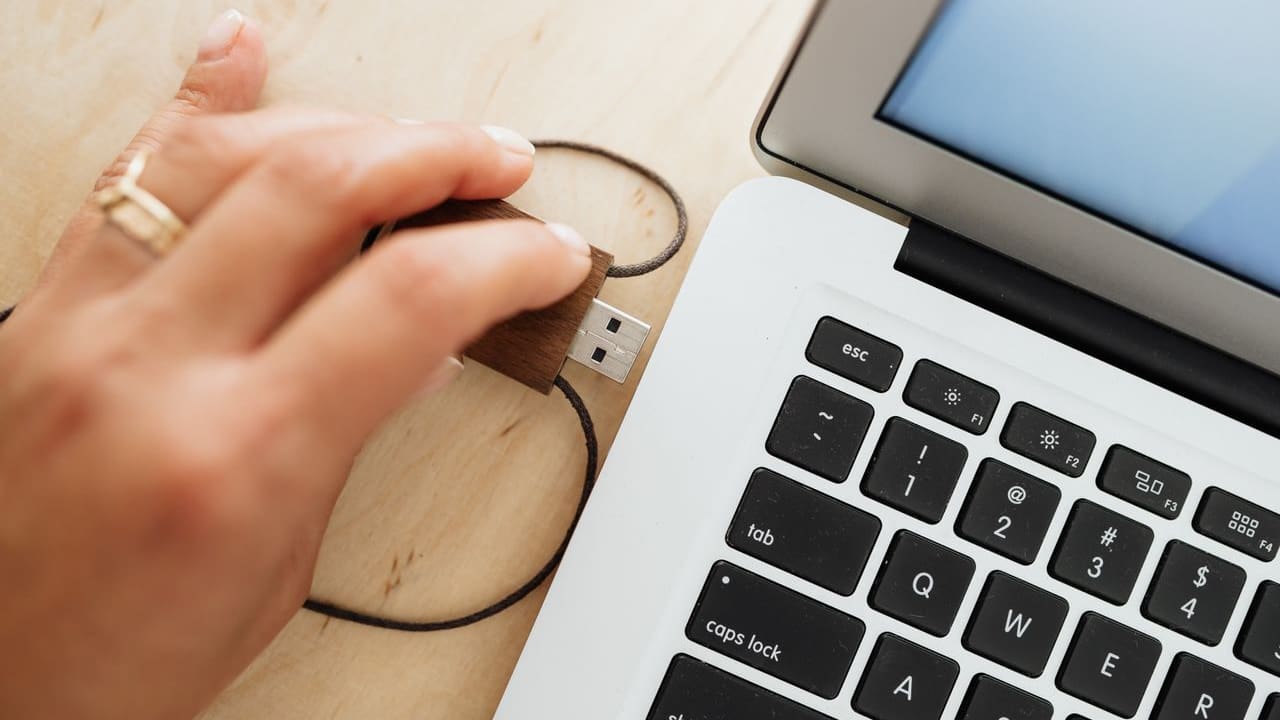
1. Usually automatic: plug in the drive and it appears in the Files app. Click it to open.
2. Terminal: find it with lsblk (for example sdb1), then:
sudo mkdir -p /mnt/usb
sudo mount /dev/sdb1 /mnt/usb
3. Unplug safely: click the eject icon in Files, or sudo umount /mnt/usb
4. Windows (NTFS) disk opens read-only or shows "unsafe state"? Windows didn't fully shut down. Start Windows, choose Restart (not Shut down) or turn off Fast Startup, then try again.
5. exFAT and FAT32 USB drives work on both Windows and Linux, best for moving files between them.