rsync copies folders and, next time, only copies what changed. Fast for regular backups.
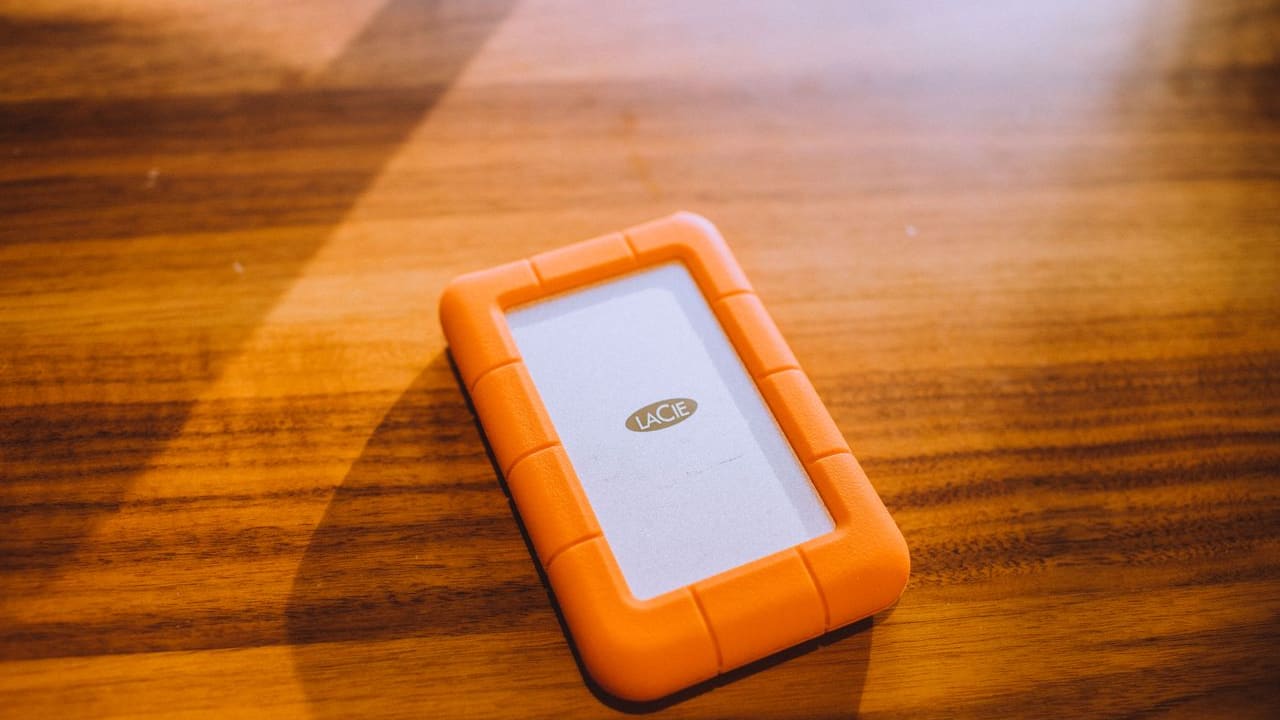
1. Plug in the backup drive. It appears under /media/yourname/DriveName.
2. Copy Documents to it:
rsync -av --progress ~/Documents/ /media/yourname/Backup/Documents/
3. Run the same command again later. Only new and changed files are copied.
4. The ending slash matters: ~/Documents/ copies what's inside, ~/Documents copies the folder itself.
5. Test first with -n (dry run): rsync -avn ~/Documents/ /media/yourname/Backup/Documents/
Avoid --delete until you understand it. It removes files from the backup that you deleted on the PC. Grsync is a graphical version (sudo apt install grsync).