Rescue Files from a Dead Windows PC with a Linux USB
Tools You'll Need
Ubuntu live USBExternal drive
Windows won't start, but the files are still on the drive? A Linux live USB can copy them off.
1. Make an Ubuntu USB (see our Linux USB tip) and boot the broken PC from it. Choose "Try Ubuntu".
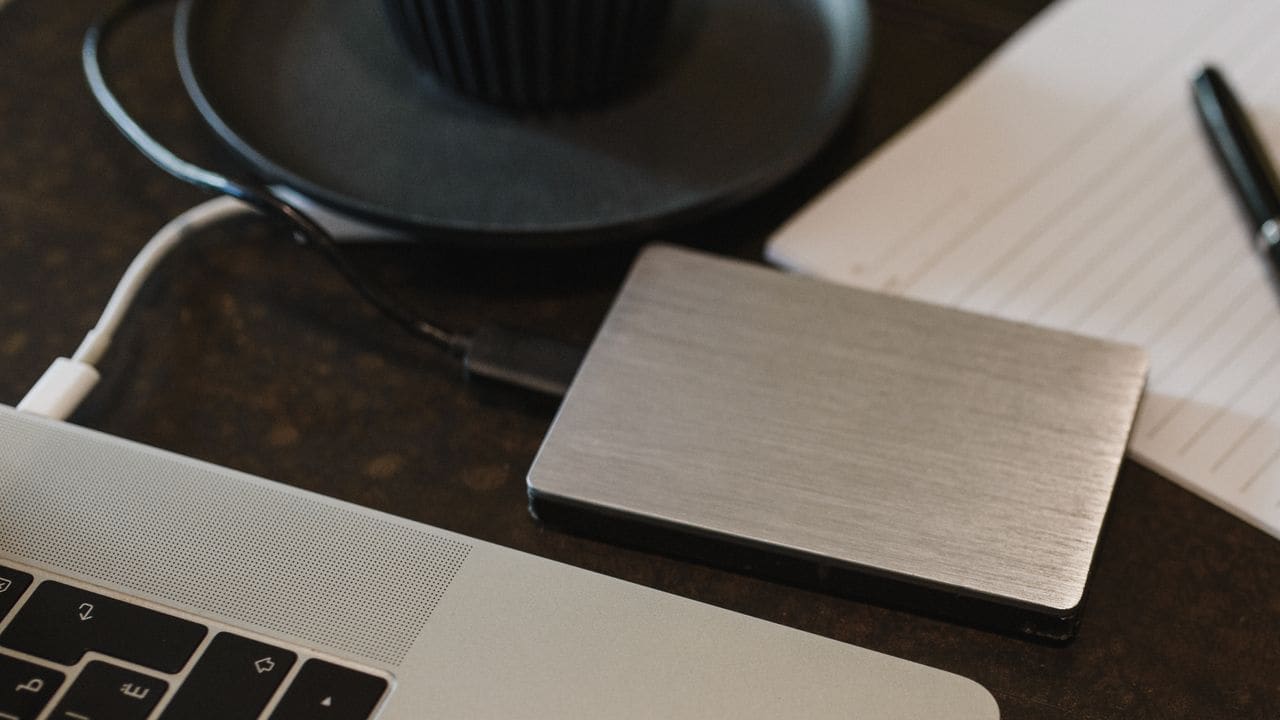
2. Plug in an external drive.
3. Open Files. The Windows drive appears on the left. Click it.
4. Copy the user's folders from Users, then their name: Desktop, Documents, Pictures, Downloads and Videos.
5. "Windows is hibernated" or "unsafe state" error? Windows was not shut down fully. The drive can still usually be opened read-only, which is enough for copying.
6. Drive encrypted with BitLocker? You'll need the recovery key (see our BitLocker tip).
If the drive makes clicking sounds or isn't detected, stop and bring it in, repeated attempts can make recovery harder.