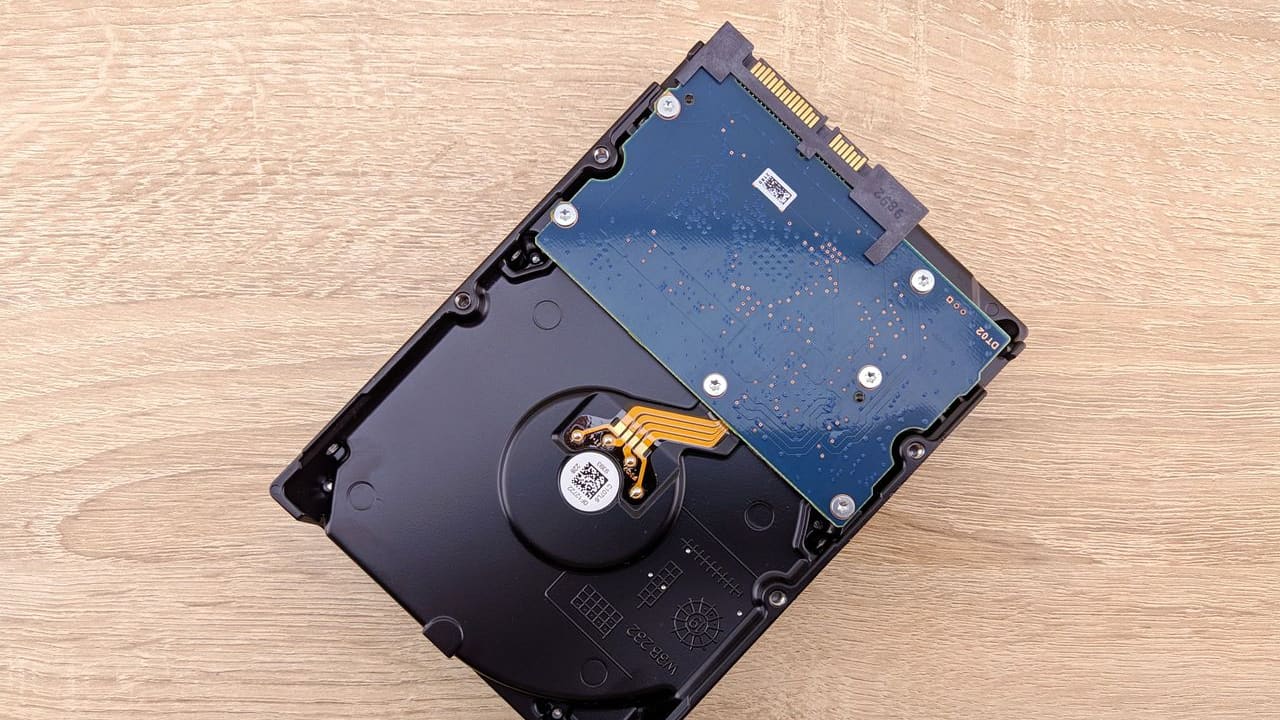
1. How full are the drives? df -h (look at the "Use%" column for /).
2. What's big in this folder? du -sh * | sort -h
3. Easier to read: install ncdu (sudo apt install ncdu) and run ncdu ~ to browse folder sizes.
4. Graphical: open Disk Usage Analyzer (Ubuntu) to see a chart of what uses space.
5. Free space:
sudo apt autoremove (removes old packages and kernels)
sudo apt clean (removes downloaded installer files)
Empty the Trash in the Files app.
6. Old snap versions on Ubuntu can use several GB. Remove unused apps from App Center.