Make an Ubuntu or Linux Mint USB and Try It Without Installing
Tools You'll Need
RufusbalenaEtcherUSB flash drive (8 GB+)
1. Download the ISO from the official site: ubuntu.com/download/desktop or linuxmint.com.
2. On Windows, use Rufus (rufus.ie) or balenaEtcher to write the ISO to a USB drive (8 GB or more, it will be erased).
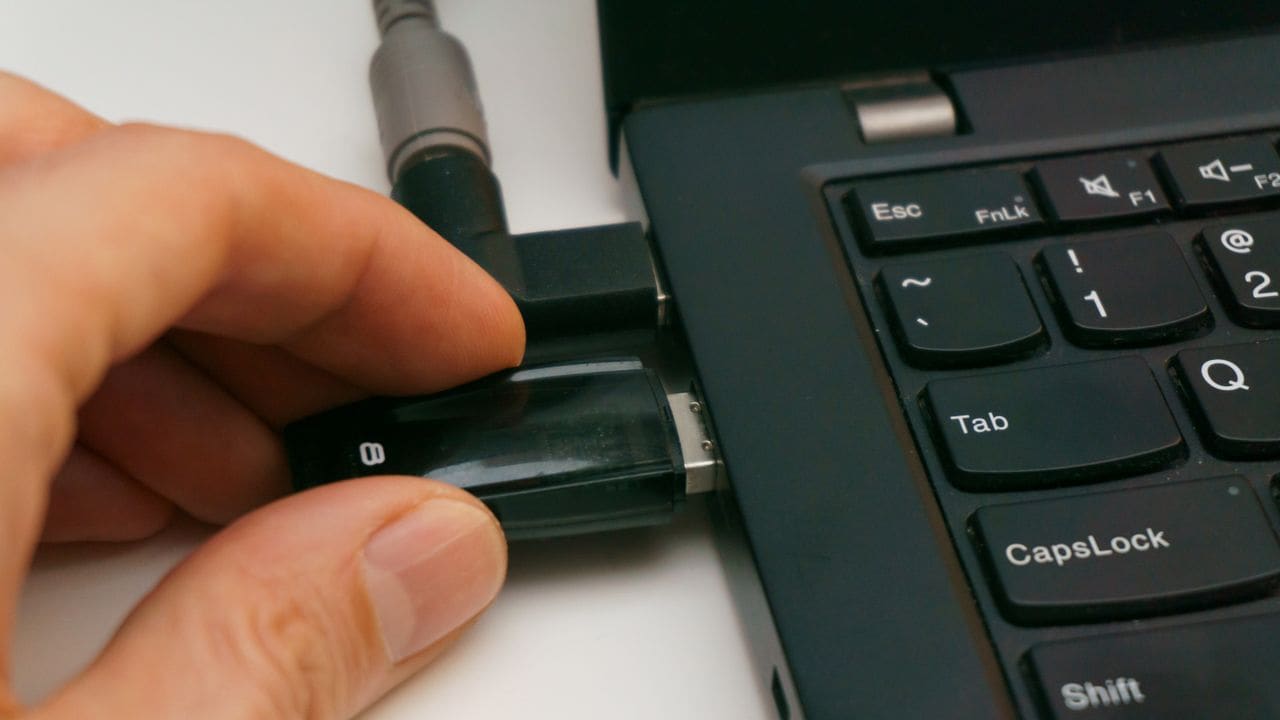
3. Plug the USB into the PC and open the boot menu (see our BIOS keys tip). Choose the USB drive.
4. Choose "Try Ubuntu" (or start Linux Mint). It runs from the USB without changing anything on the PC.
5. Test Wi-Fi, sound, screen and touchpad before deciding to install.
The live USB is also a great rescue tool for copying files off a PC that won't start (see our file rescue tip).