1. Use it on a hard, flat surface. Beds and laps block the air vents.
2. Clean the vents with short bursts of compressed air (hold the fan still with a toothpick so it doesn't over-spin).
3. Check Task Manager for programs using a lot of CPU when the laptop should be idle.
4. Use the Balanced power mode: Settings, then System, then Power and battery.
5. Update the BIOS and drivers from the manufacturer's site. Updates often improve fan control.
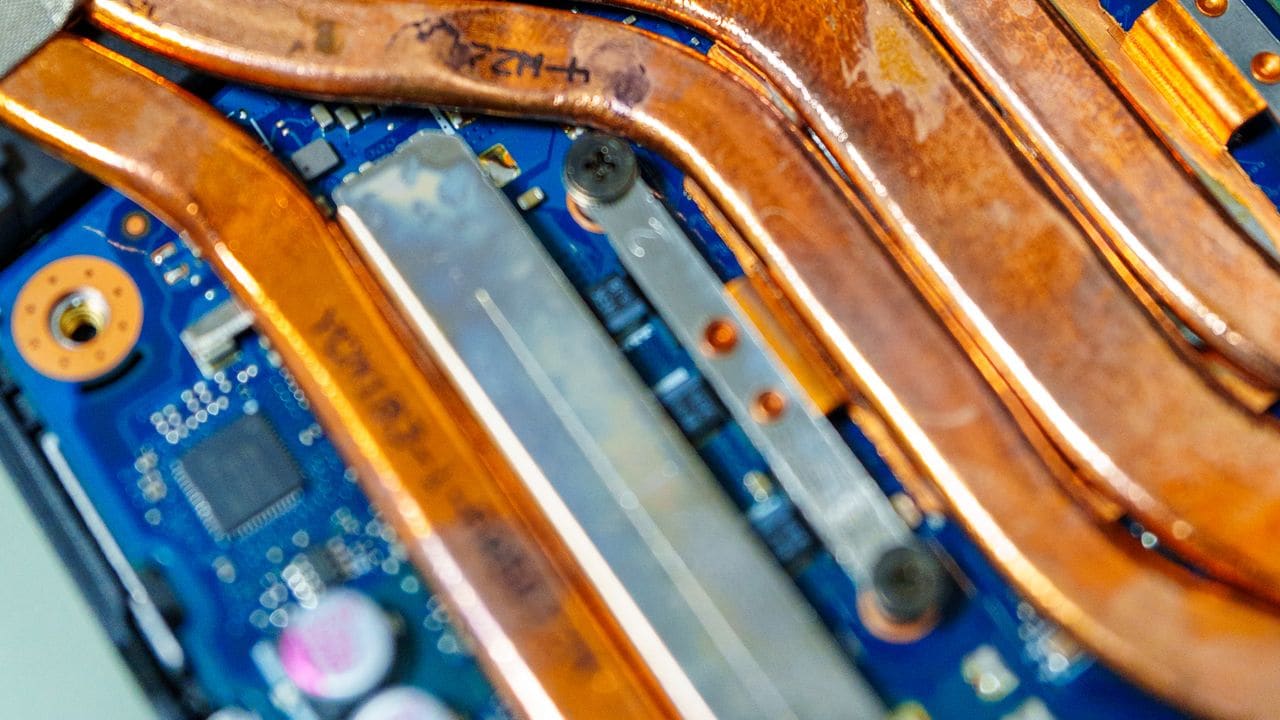
6. Still hot, loud or shutting down? The fan needs cleaning inside and the thermal paste replacing. We do this as a service.