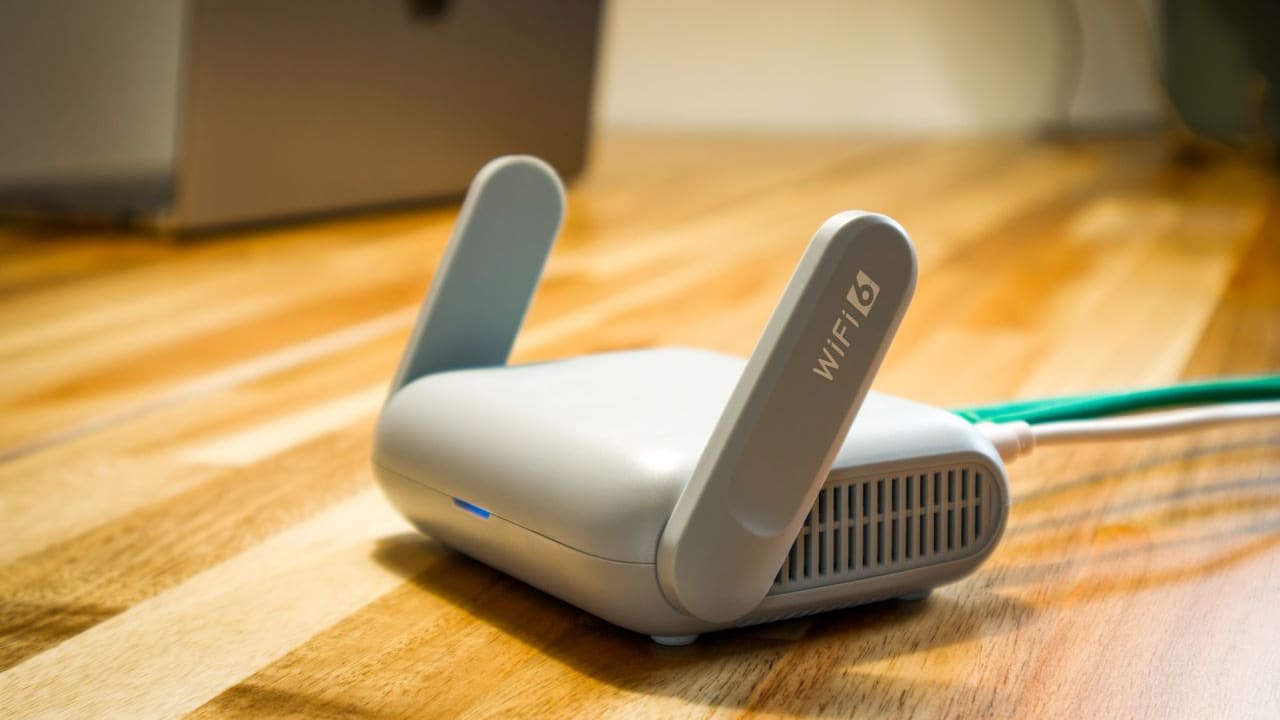
Wi-Fi Calling makes normal phone calls over Wi-Fi when the mobile signal is weak, for example inside buildings.
1. Open Settings, Phone (iOS 18: Settings, Apps, Phone), then Wi-Fi Calling.
2. Turn on "Wi-Fi Calling on This iPhone" and confirm your emergency address if asked.
3. When it works, the status bar shows your network name with "Wi-Fi".
4. Calls use your normal number and are billed like normal calls.
Only works if your mobile network supports Wi-Fi Calling for your SIM. If the option is missing, ask your network or update iOS and carrier settings (Settings, General, About).