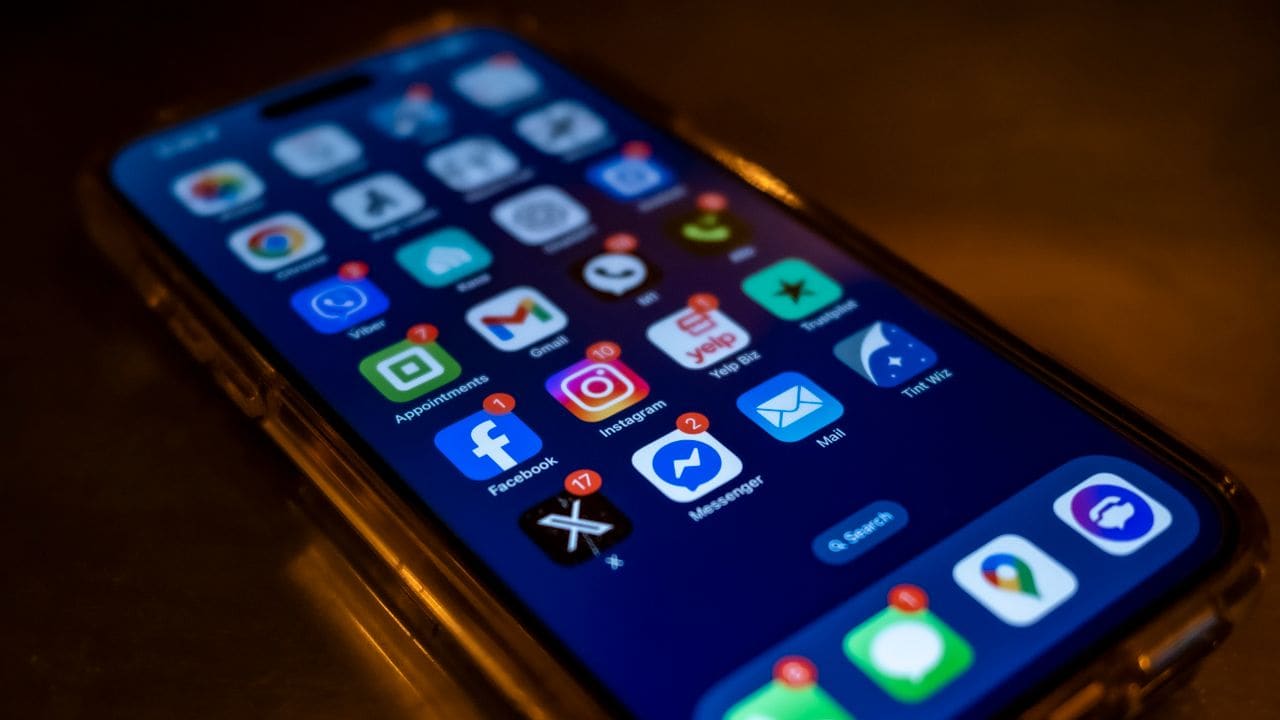
1. Touch and hold an empty part of the Home Screen until the apps jiggle.
2. Tap Edit (or +), then Add Widget. Pick one (Weather, Battery, Calendar, Photos) and a size.
3. Drag it where you want and tap Done.
4. Make a folder: drag one app onto another.
5. Hide whole pages: tap the dots above the dock and untick pages you don't use.
6. Find any app: swipe left past the last page to the App Library.
The Batteries widget shows the charge of your iPhone, AirPods and Apple Watch together.