Translate Speech, Text and Signs with the iPhone Translate App
Tools You'll Need
Translate app
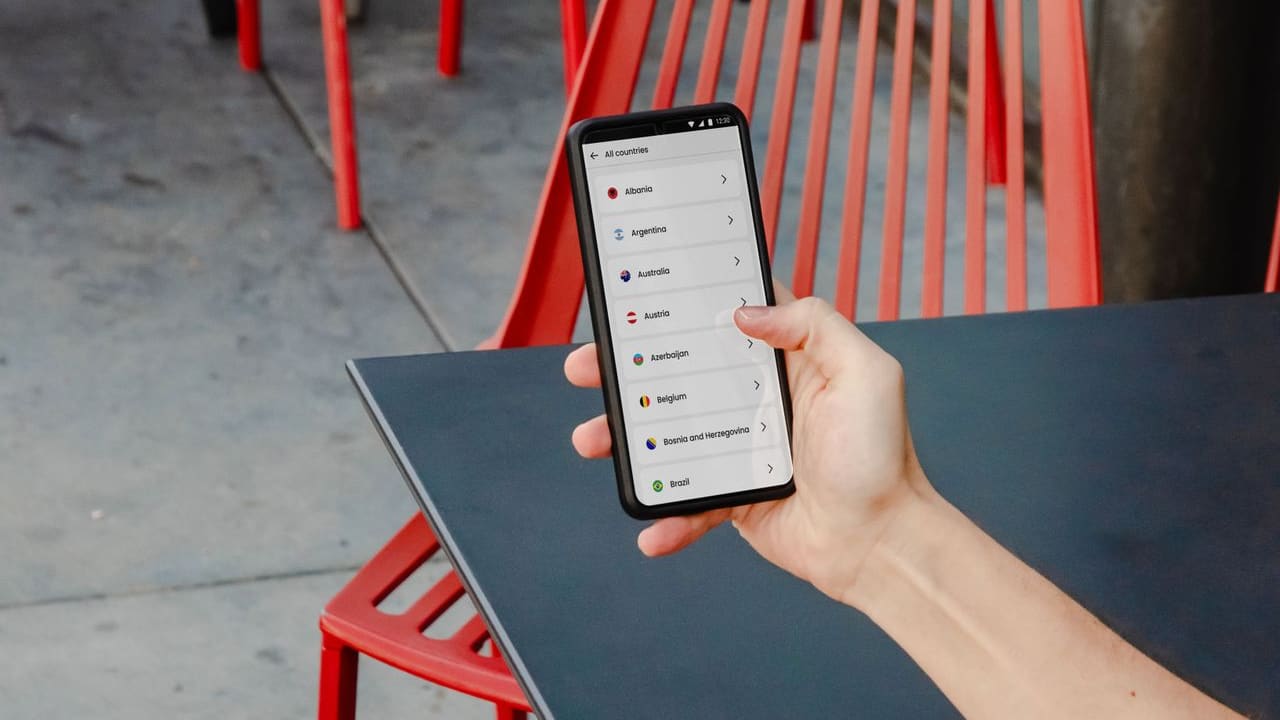
1. Open the Translate app and choose the two languages.
2. Type or tap the microphone and speak. The translation appears and can be played aloud.
3. Conversation tab: put the phone between two people. It detects who is speaking.
4. Camera tab: point at a menu, sign or label to translate it on the screen.
5. Offline: Settings, Translate (or Apps, Translate), Downloaded Languages. Download the ones you need.
Apple's app supports fewer languages. For Swahili, Luganda and more, use Google Translate (see our Google Translate tip).