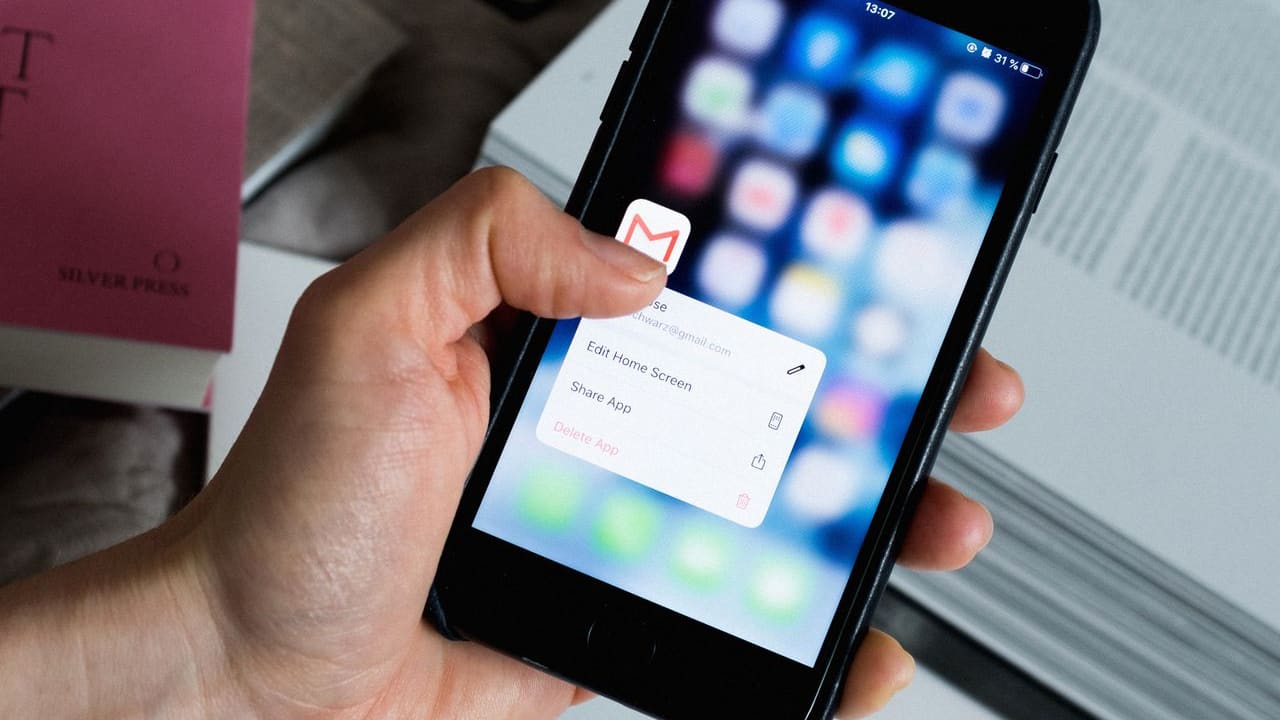
Great for parents and anyone who finds the screen hard to read.
1. Settings, then Display and Brightness, then Text Size. Drag the slider.
2. Turn on Bold Text on the same screen.
3. Even bigger text: Settings, then Accessibility, then Display and Text Size, then Larger Text.
4. Bigger icons and everything else: Settings, then Display and Brightness, then Display Zoom, then Larger Text (or Zoomed).
5. Magnifier: add it to Control Center to use the camera as a magnifying glass for small print.