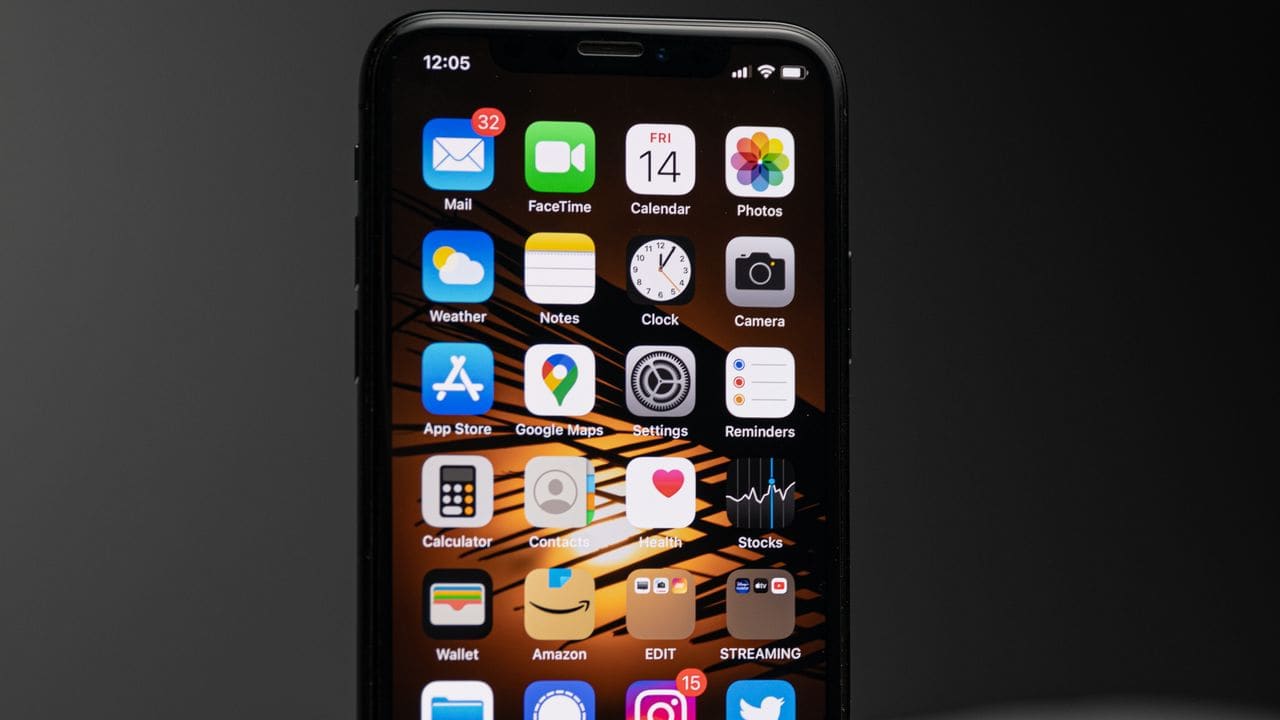
1. See what's using space: Settings, then General, then iPhone Storage.
2. Turn on "Offload Unused Apps" (same screen). It removes apps you don't use but keeps their data.
3. Photos: turn on iCloud Photos with "Optimize iPhone Storage", or copy photos to a PC and delete them from the phone.
4. Empty the "Recently Deleted" album in Photos. Deleted photos still use space for 30 days.
5. WhatsApp: WhatsApp, then Settings, then Storage and Data, then Manage Storage.
6. Messages: Settings, then Messages, then Keep Messages, then 1 Year.
7. Delete downloaded music, podcasts and Netflix downloads you've watched.