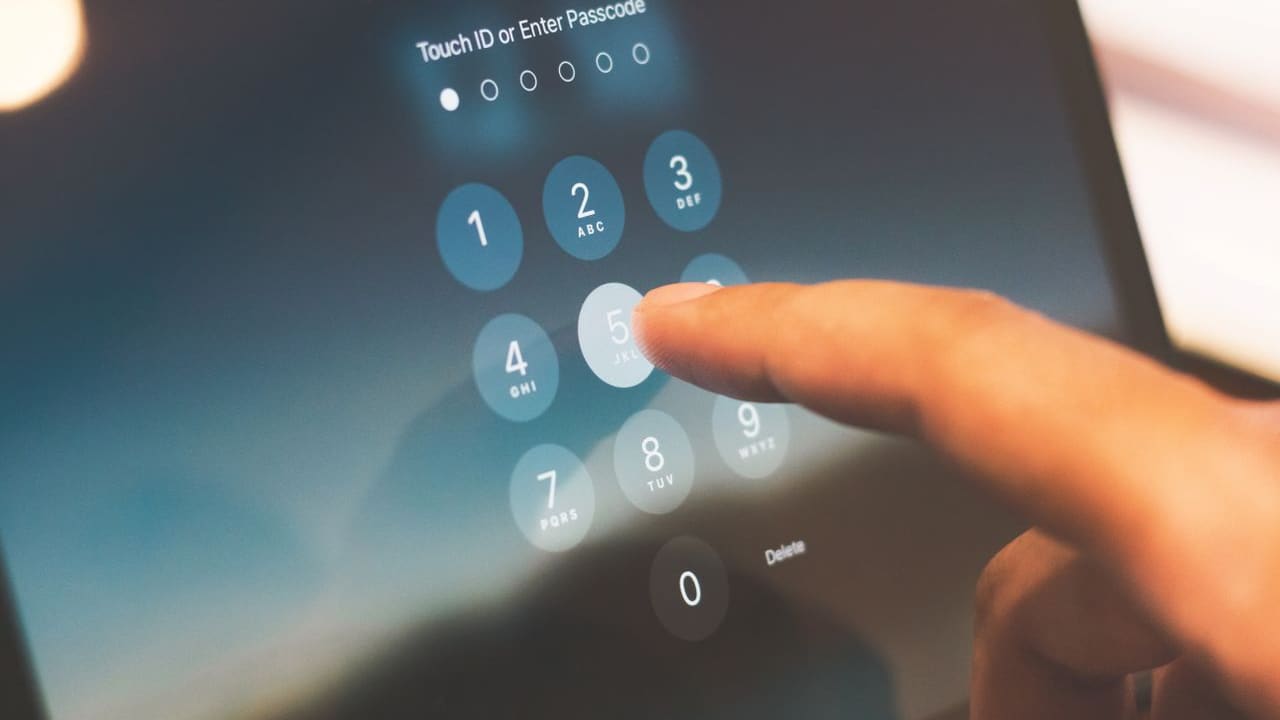
Stolen Device Protection stops a thief who learned your passcode from taking over your Apple ID.
1. Make sure Find My iPhone and Face ID or Touch ID are on.
2. Settings, then Face ID and Passcode, then turn on Stolen Device Protection.
3. Away from familiar places like home or work, sensitive actions (saved passwords, turning off Find My, erasing the phone) need Face ID or Touch ID, not just the passcode.
4. Changing your Apple ID password away from home also needs a one-hour wait and a second Face ID check.
This makes a stolen iPhone much harder to misuse, even if someone watched you type your passcode.