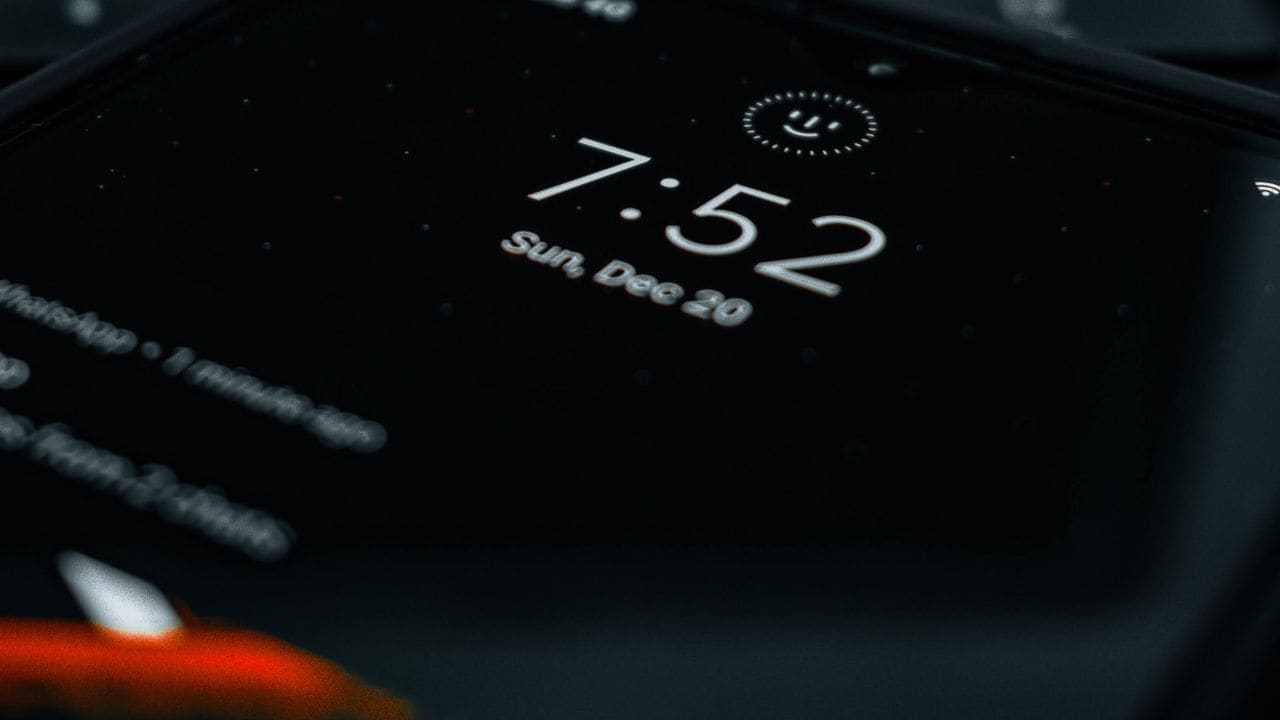
StandBy Mode: Turn a Charging iPhone into a Bedside Clock
Tools You'll Need
StandByCharger
1. Put the iPhone on charge, lock it, and turn it sideways (landscape) so it stands still.
2. StandBy shows a big clock, photos or widgets. Swipe left or right to switch between them, and up or down to change styles.
3. Settings, StandBy: turn it on or off, and turn on Night Mode so the screen turns red and dim in the dark.
4. iPhone Pro models can keep it on all the time. Other models turn the screen off after a while and wake when touched or moved.
A small stand or wireless charging stand works best.