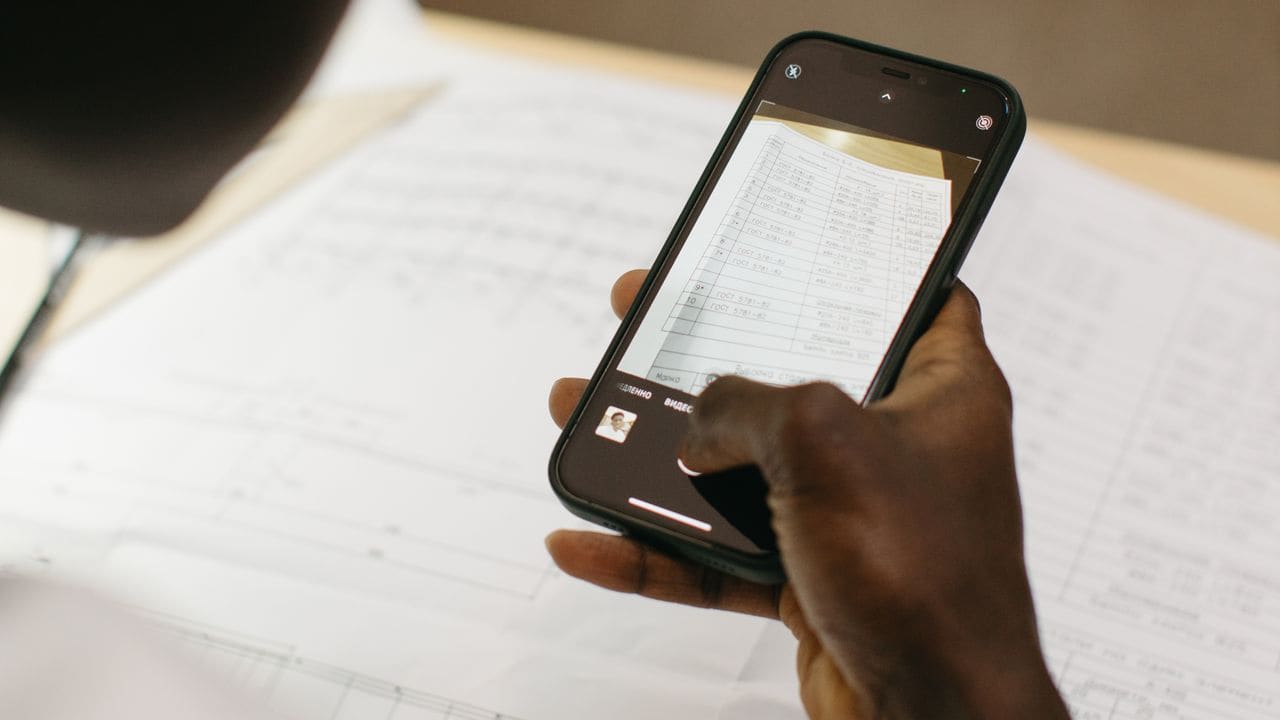
No scanner needed for forms, receipts and ID copies.
1. Open Notes and start a new note.
2. Tap the camera (or paperclip) icon, then Scan Documents.
3. Hold the iPhone over the page. It captures automatically when the page is steady, or tap the shutter.
4. Drag the corners to crop, then Keep Scan. Add more pages the same way, then Save.
5. Tap the scan, then Share, to send it as a PDF by WhatsApp or email, or Save to Files.
The Files app can also scan: open Files, tap the three dots, Scan Documents. Use good light and a dark background for clean edges.