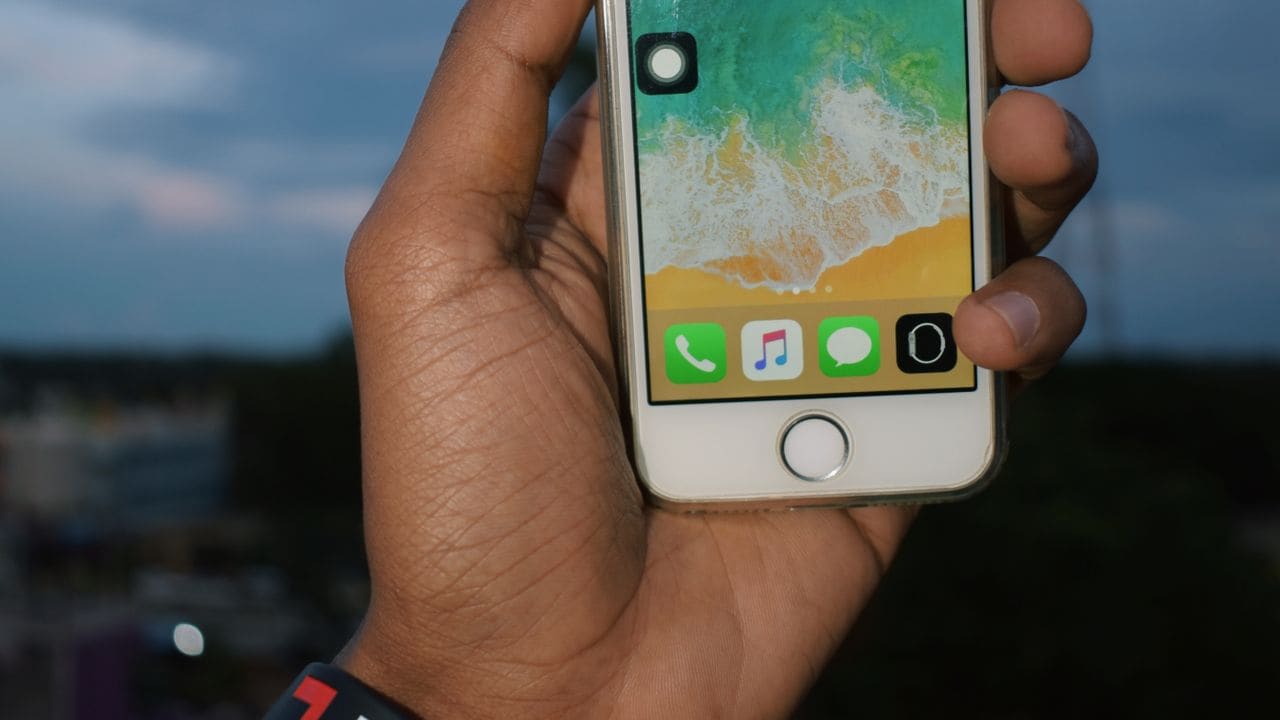
1. Raise to Wake: Settings, Display and Brightness, Raise to Wake. The screen turns on when you lift the phone.
2. Tap to Wake (Face ID iPhones): Settings, Accessibility, Touch, Tap to Wake. Tap the screen once to wake it.
3. Turn them off if the screen keeps turning on in your pocket or bag and wasting battery.
4. Auto-Lock (Display and Brightness) sets how fast the screen turns off. 30 seconds saves battery.
Screen not waking at all even with the side button? Try a force restart (see our tip).