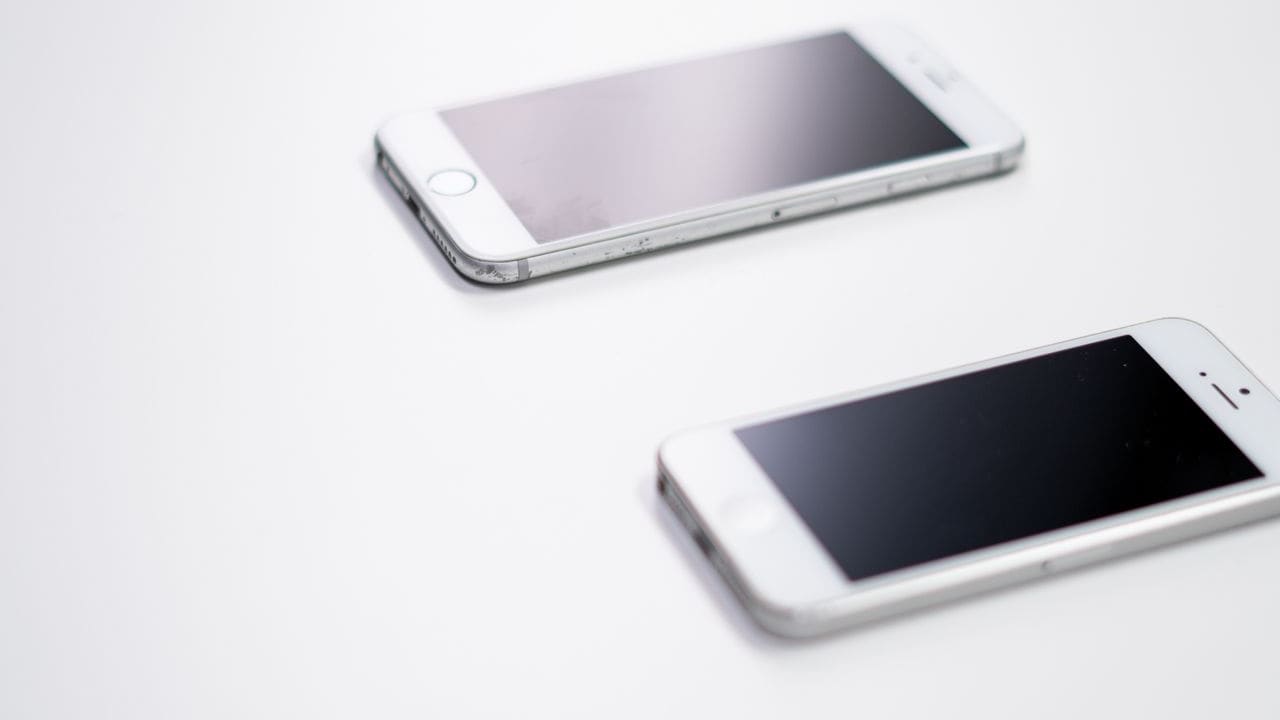
1. Update the old iPhone to the latest iOS, and back it up just in case.
2. Turn on the new iPhone and place it next to the old one. Turn on Bluetooth on the old iPhone.
3. A "Set Up New iPhone" screen appears on the old iPhone: tap Continue, then scan the animation on the new iPhone with the old one.
4. Enter the old iPhone's passcode on the new one and follow the steps. Choose "Transfer from iPhone".
5. Keep both phones close and plugged in until it finishes. It can take an hour or more.
6. Before giving away the old iPhone: sign out of your Apple ID and erase it (Settings, then General, then Transfer or Reset iPhone).