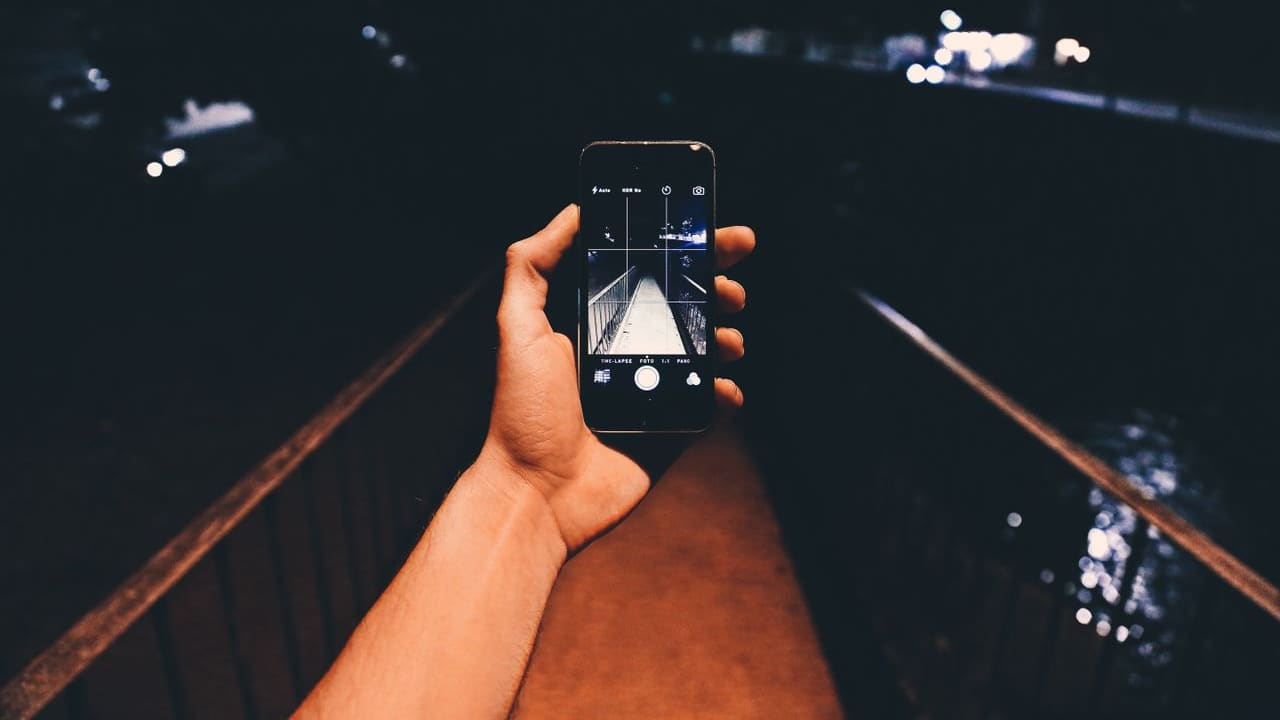
1. In low light, Night mode turns on by itself: a yellow moon icon with seconds (for example 3s) appears.
2. Hold the iPhone very still until the capture finishes. Lean on a wall or table.
3. Tap the moon icon to make the exposure longer. On a tripod it can go up to 30 seconds.
4. Clean the lens first. Night photos show smudges as glow.
5. Turn off the flash for scenes and buildings. It only lights things very close.
6. Don't zoom in at night: use the main 1x camera for the sharpest result.