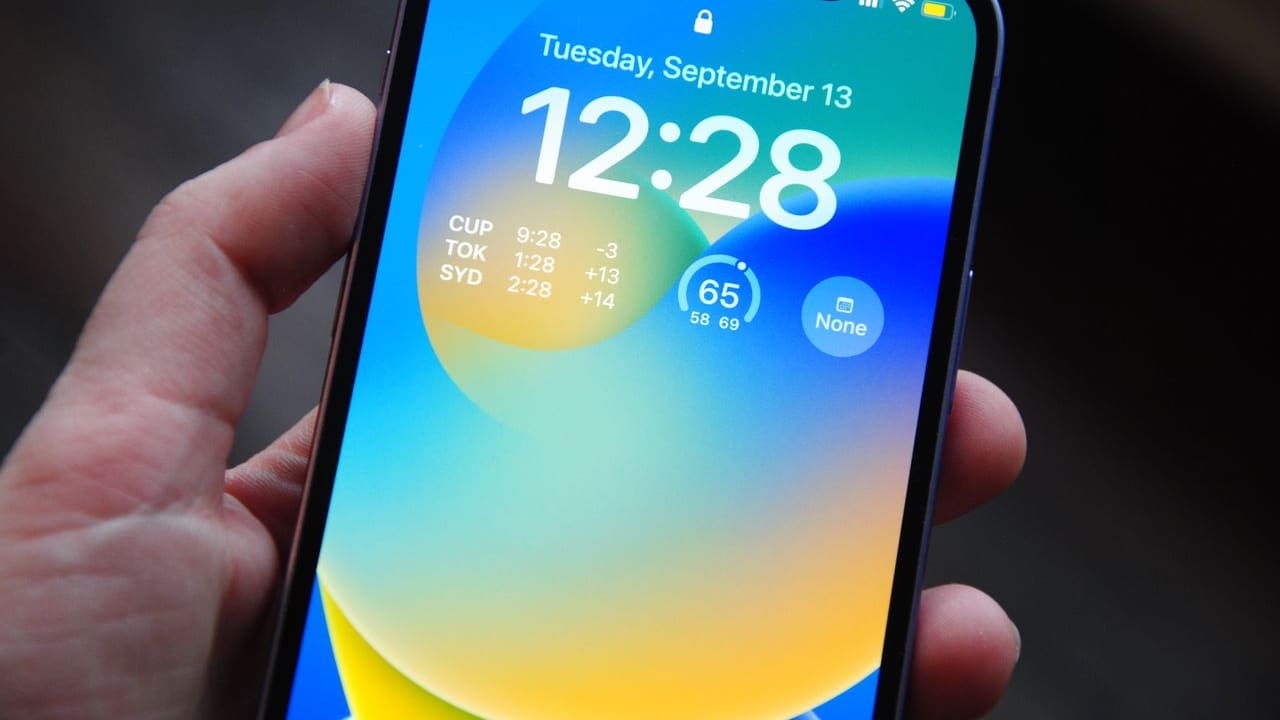
Customise the iPhone Lock Screen: Fonts, Widgets and Photos
Tools You'll Need
Lock Screen
1. Unlock with Face ID but stay on the lock screen, then touch and hold it.
2. Tap Customise, then Lock Screen.
3. Tap the clock to change font and colour. Tap below it to add widgets (battery, weather, calendar).
4. Tap the bottom corners (iOS 18) to change the torch and camera buttons.
5. Tap + to make several lock screens and swipe between them. Each can be linked to a Focus (Work, Sleep).
6. Photo Shuffle changes the wallpaper through the day.
Keep "Show Previews" for notifications on "When Unlocked" for privacy (Settings, Notifications).