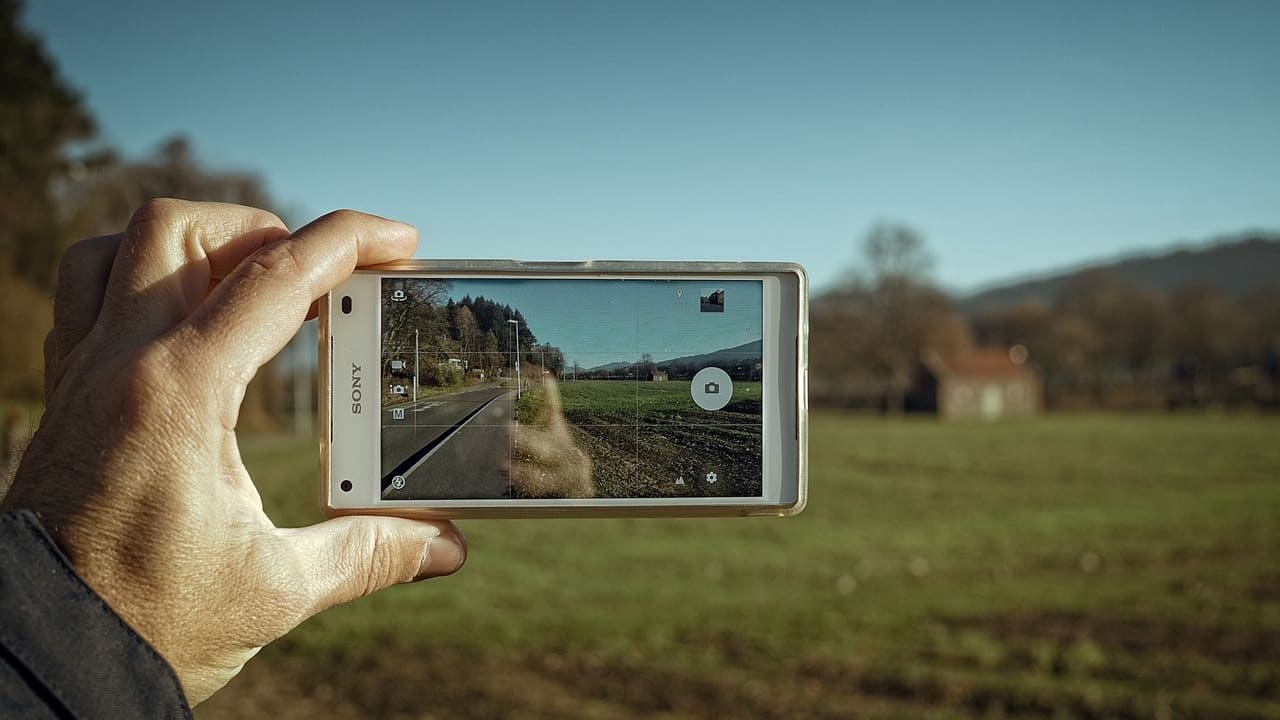
Live Text reads text in photos and the camera view, so you don't have to type it.
1. Open the Camera and point it at text (a receipt, a sign, a phone number).
2. Tap the text icon in the corner of the frame.
3. Select the words and tap Copy, or tap a phone number to call or a link to open it.
4. In Photos: open a picture with text, touch and hold the words, then Copy or Translate.
5. Not working? Check Settings, General, Language and Region, Live Text is on. It needs iOS 15 or newer.
Great for copying mobile money numbers, Wi-Fi passwords on routers, and account numbers from photos.