1. Dark Mode: Settings, then Display and Brightness, then Dark. Choose "Automatic" to switch at sunset.
2. Night Shift (warmer colours at night, easier on the eyes): Settings, then Display and Brightness, then Night Shift. Set it to "Sunset to Sunrise".
3. Quick toggle: open Control Center, press and hold the brightness slider, and tap Dark Mode or Night Shift.
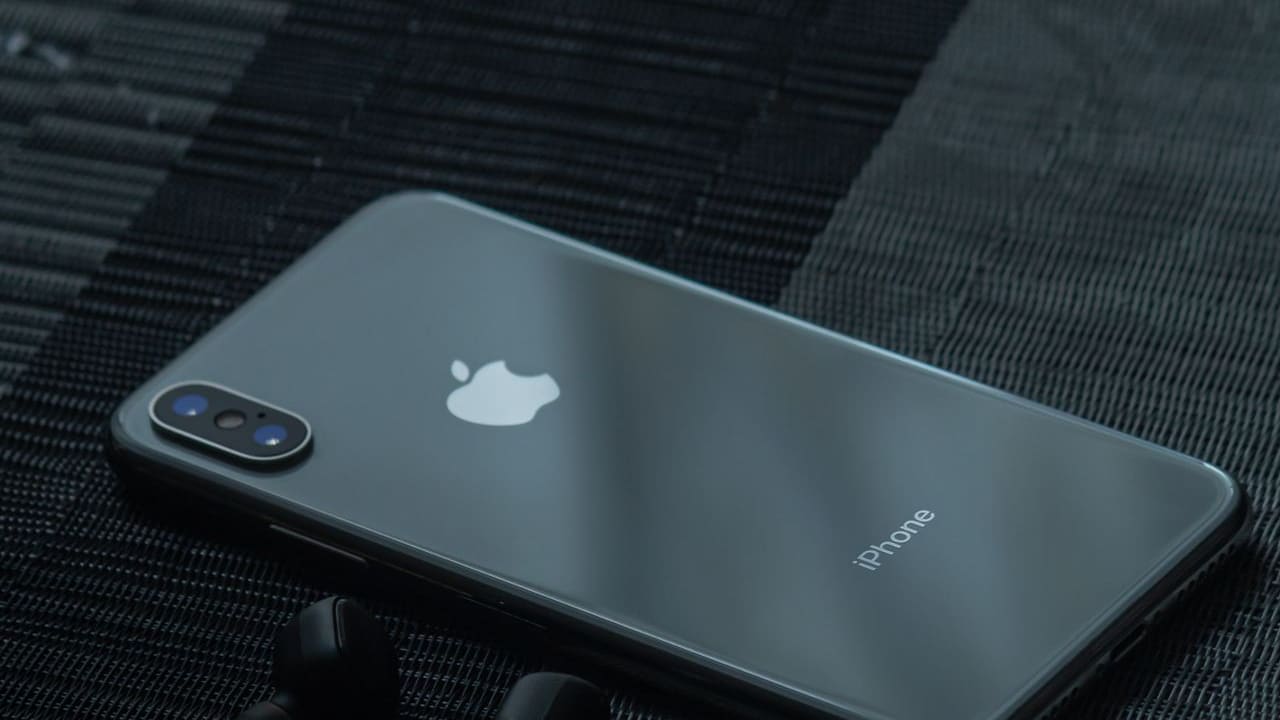
4. On iPhones with OLED screens (iPhone X and most newer models), Dark Mode also saves some battery.